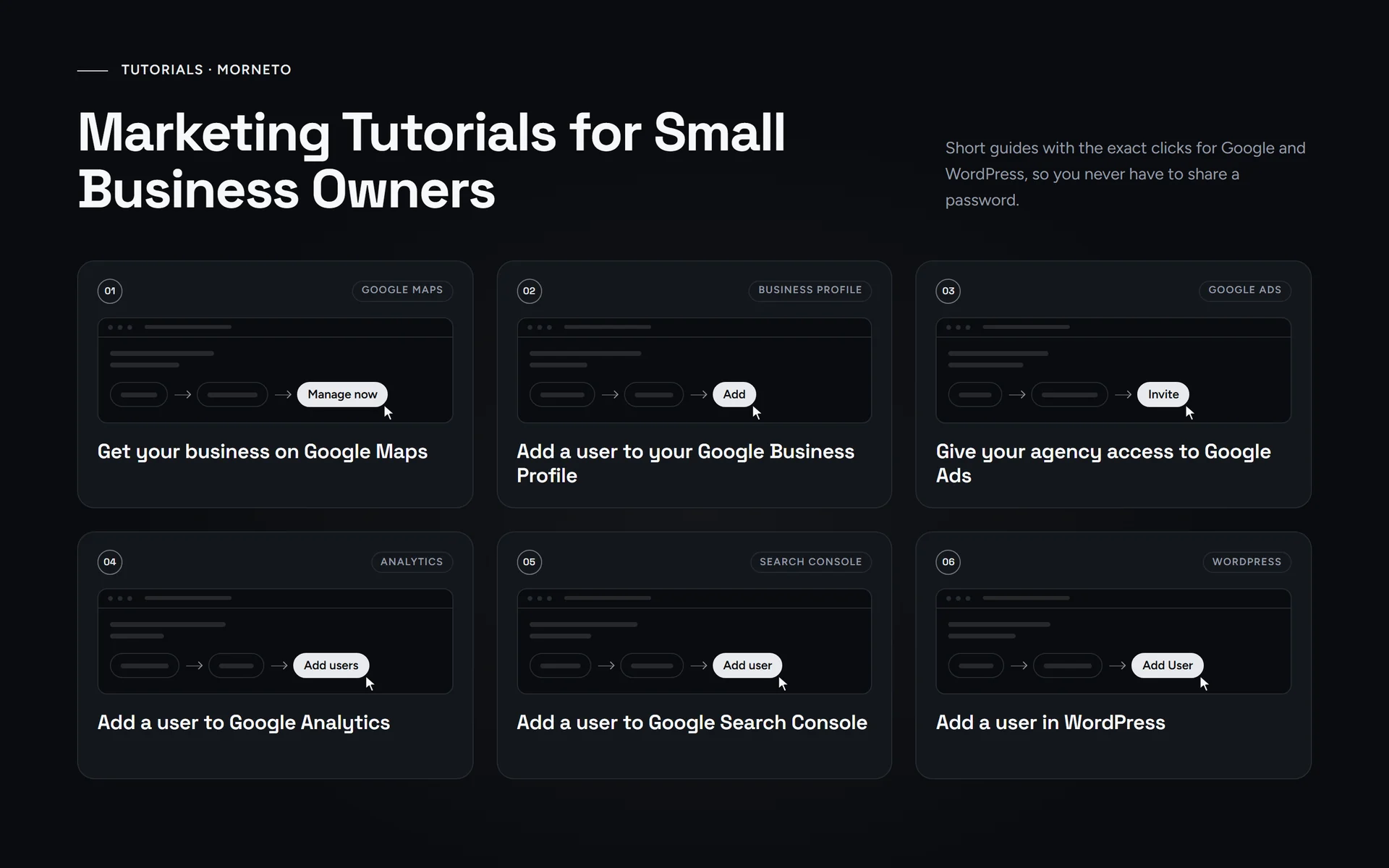
Step-by-step marketing tutorials
 Video · 3:15
Google Business Profile
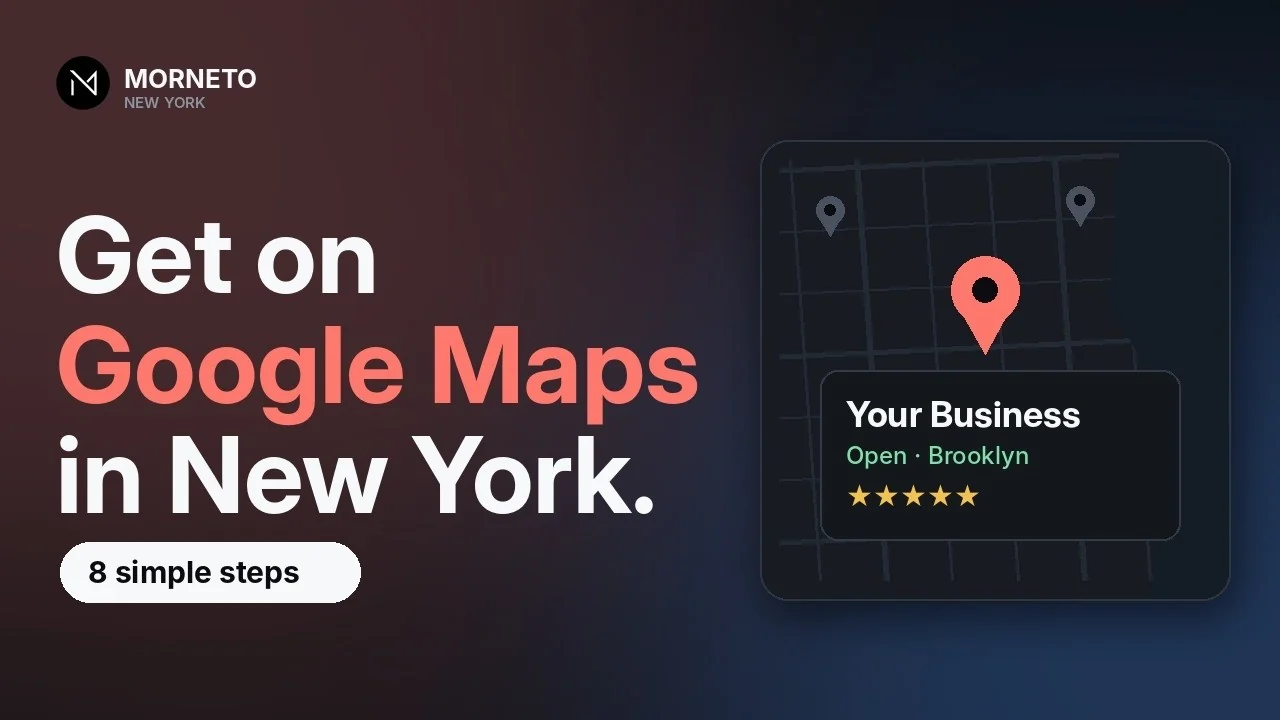
How to get your business on Google Maps
Create a free Google Business Profile, verify it and fill it out. Eight steps from our 3-minute video, plus three mistakes that can get a profile suspended.
- Guide · 5 min
Google Business Profile
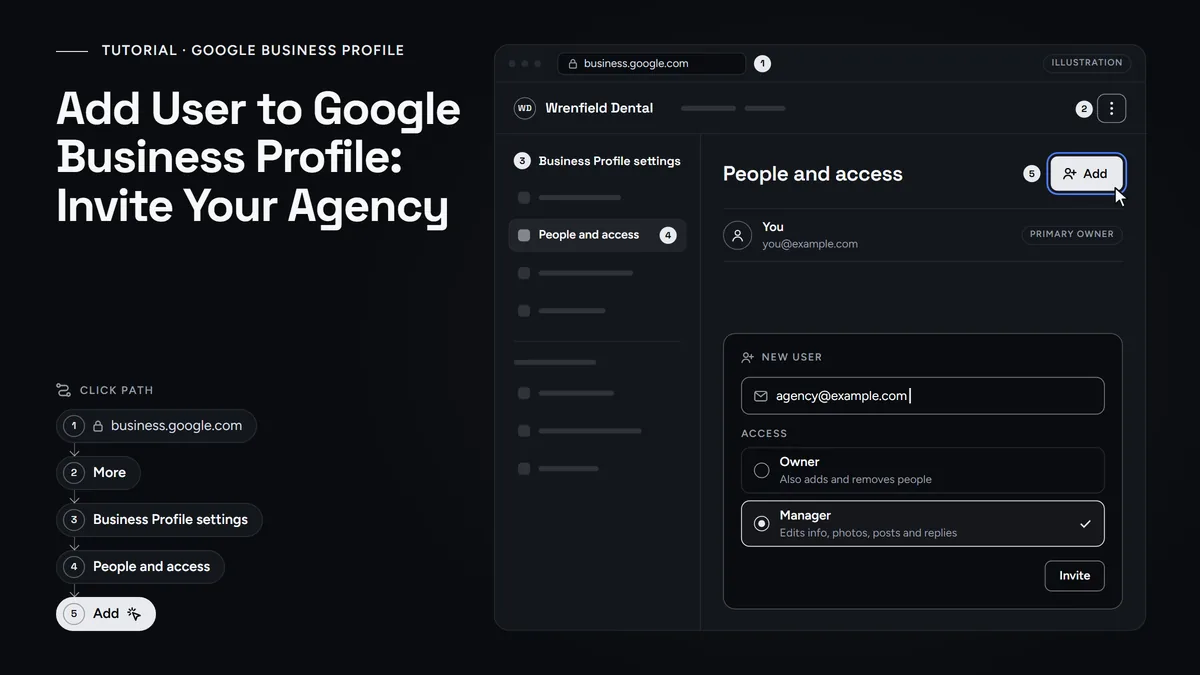
Add a user to Google Business Profile
Invite your agency or staff as a Manager, pick the right role, keep primary ownership and remove access when the work ends.
- Guide · 5 min
Google Business Profile
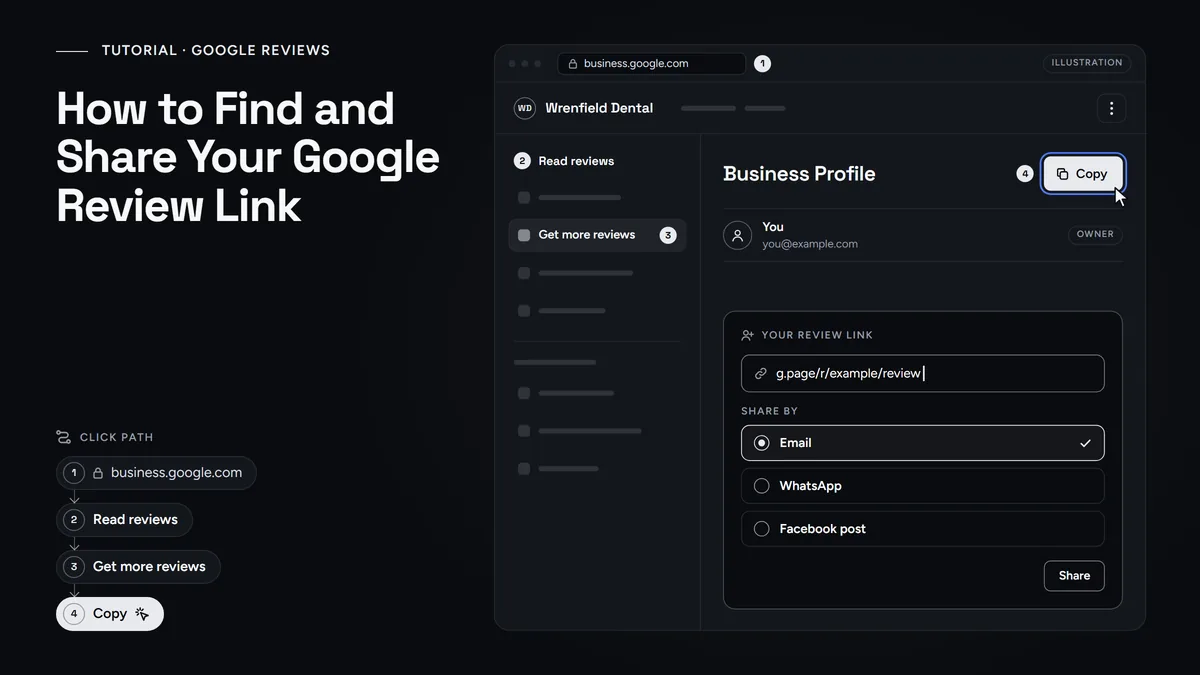
Find and Share Your Google Review Link
Copy the link and QR code Google makes for your Business Profile, then share it with every customer without breaking Google's review rules.
- Guide · 5 min
Google Ads
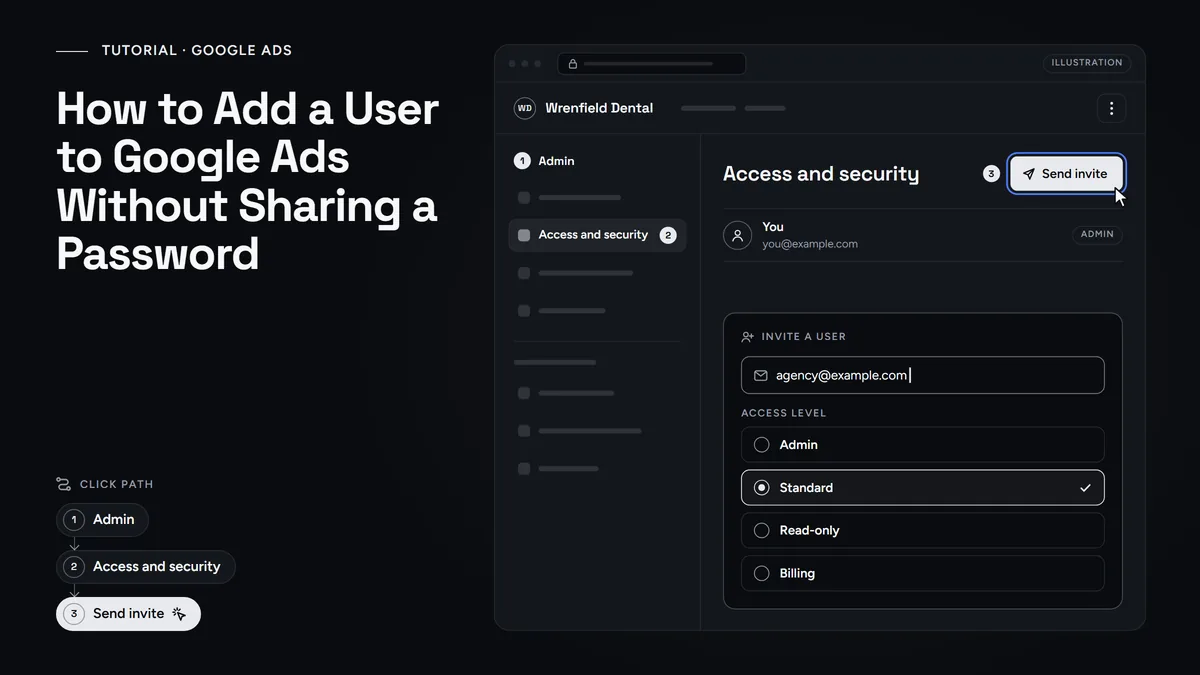
How to Add a User to Google Ads
Give your agency access without sharing a password. Accept their manager link or invite them with the right access level, and keep your account and billing.
- Guide · 6 min
Analytics
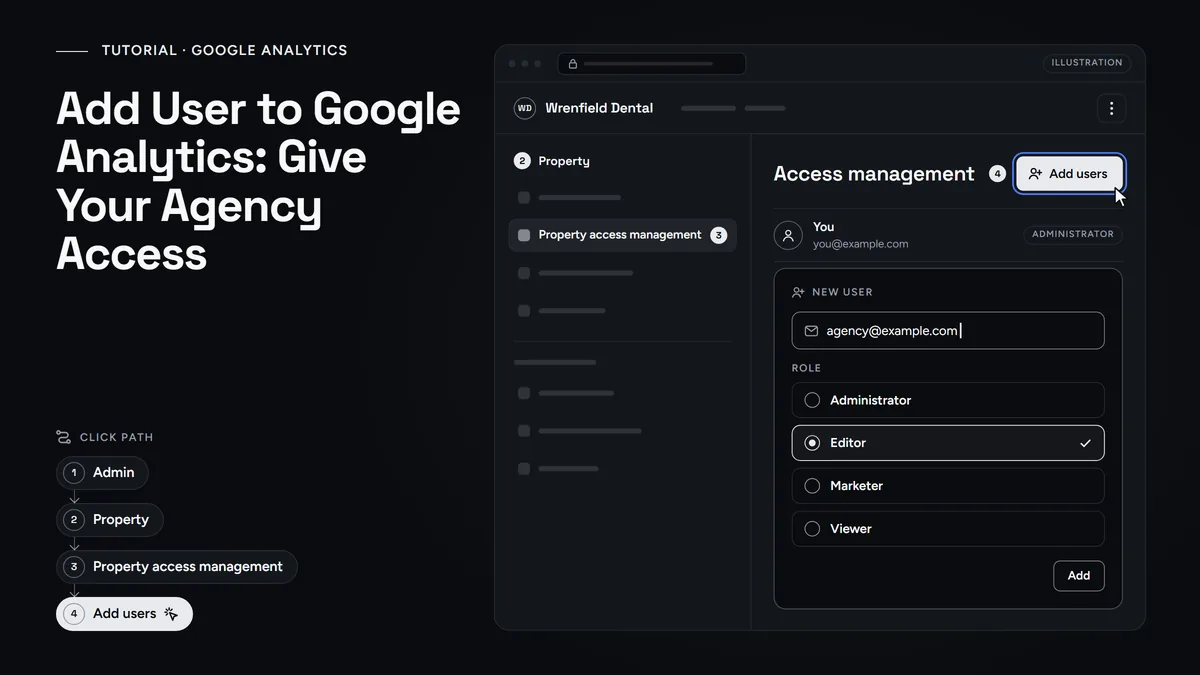
Add a user to Google Analytics
Give your agency its own GA4 login: the Admin path, which role to pick and how to remove access later. No password sharing.
- Guide · 5 min
Analytics
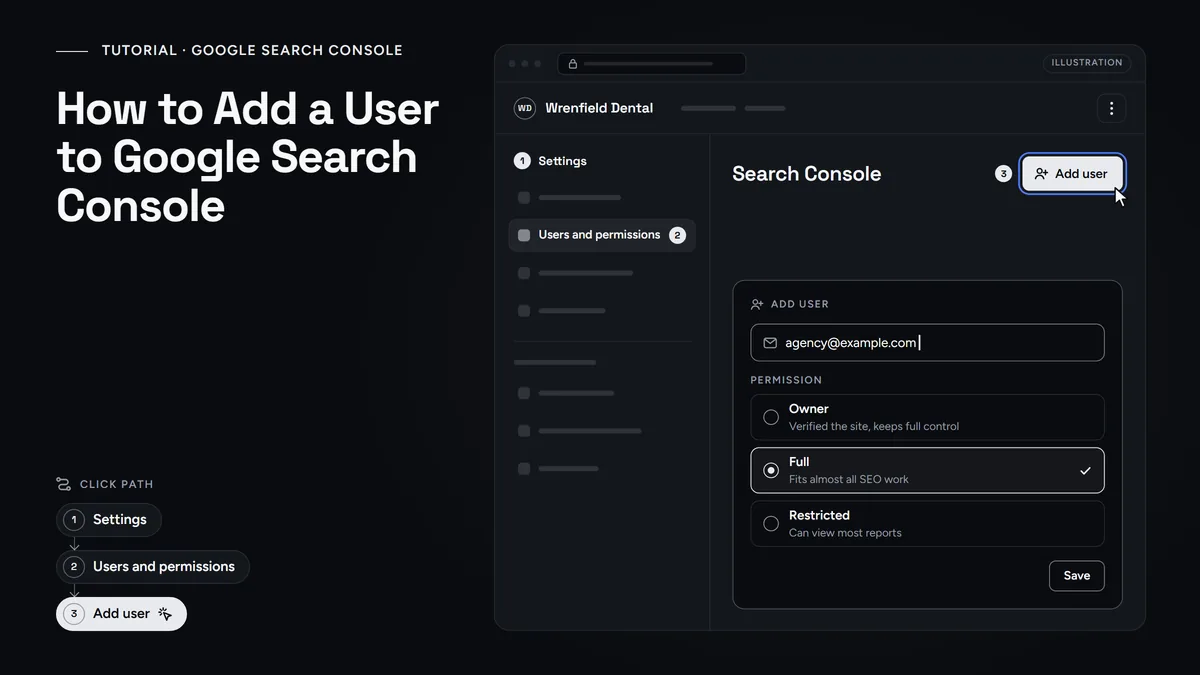
How to Add a User to Google Search Console
Give your agency Full access under Settings, Users and permissions. See which level to pick, how to remove it later, and why you stay the owner.
- Guide · 5 min
Website
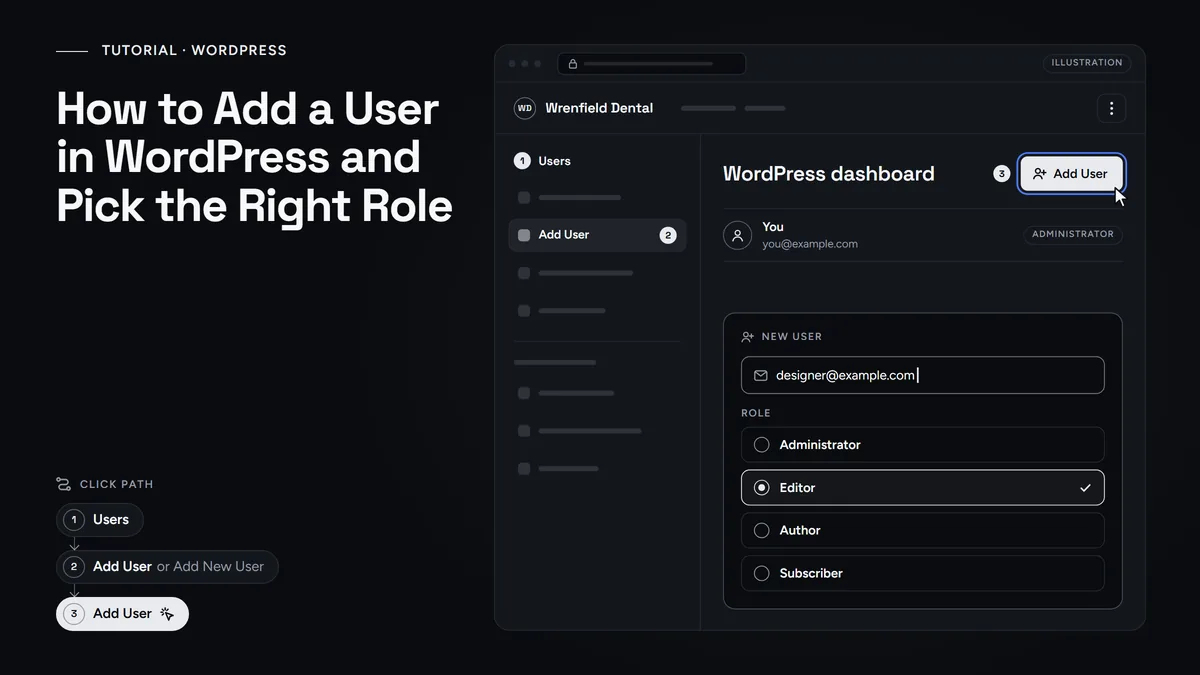
How to Add a User in WordPress
Give your web designer their own WordPress login with the right role, then lower or remove it when the work ends. No shared passwords.
Marketing tutorials on video
- Video - 3:19
SEO
First your Business Profile and service pages. Then Search Console, structured data, speed, reviews and links.
- Video - 2:46
Google Business Profile
Get more customers from Google
Eight steps from Google's own help pages. First pick the right category, then add photos, reviews and page titles.
- Video - 2:12
Google Business Profile
Google ranks on relevance, distance and prominence. Therefore this video turns them into seven fixes for your profile.
- Video - 2:45
Google Business Profile
Get more Google reviews and reply well
First get your review link and QR code. Then ask every customer, and also reply calmly to a bad review.
- Video - 3:04
AI marketing
Show up in ChatGPT and AI Overviews
Seven steps that make a local business readable for AI search. After that, you test the result in ChatGPT.
- Video - 1:39
AI marketing
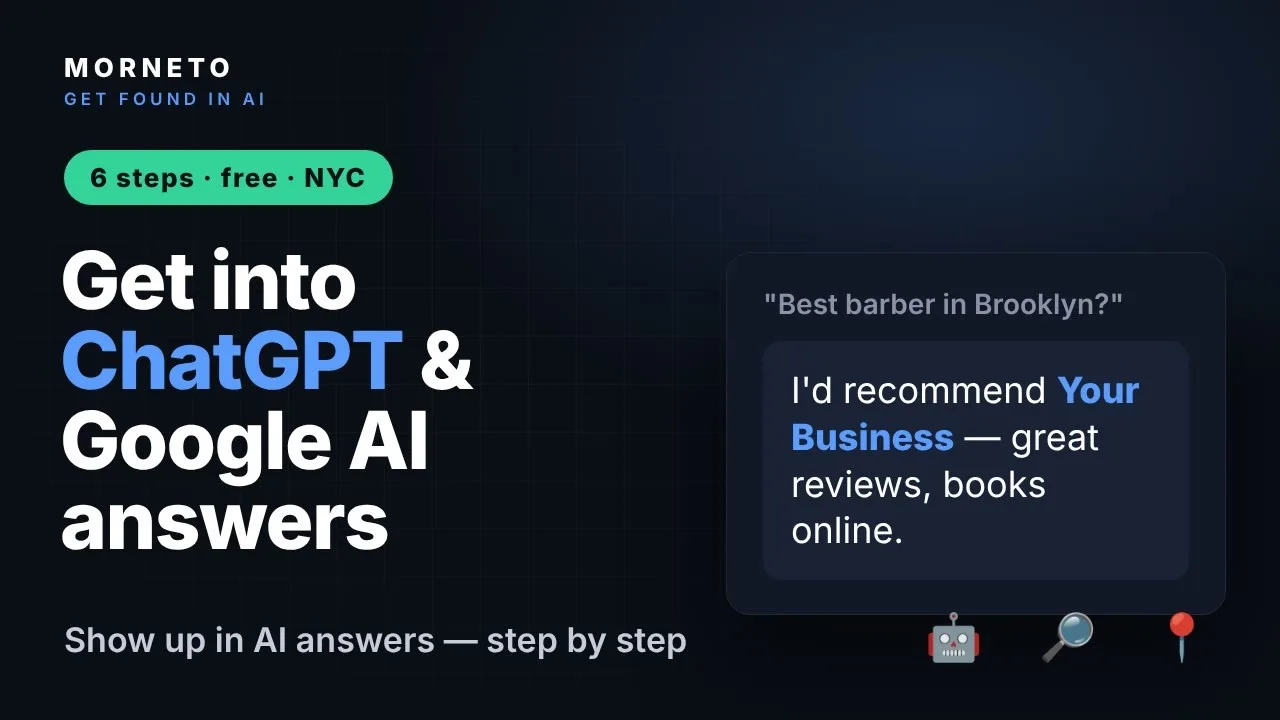
Get into ChatGPT and Google AI answers
First let the AI crawlers in. Then put your facts in text and keep your details the same everywhere.
- Video - 2:23
Website
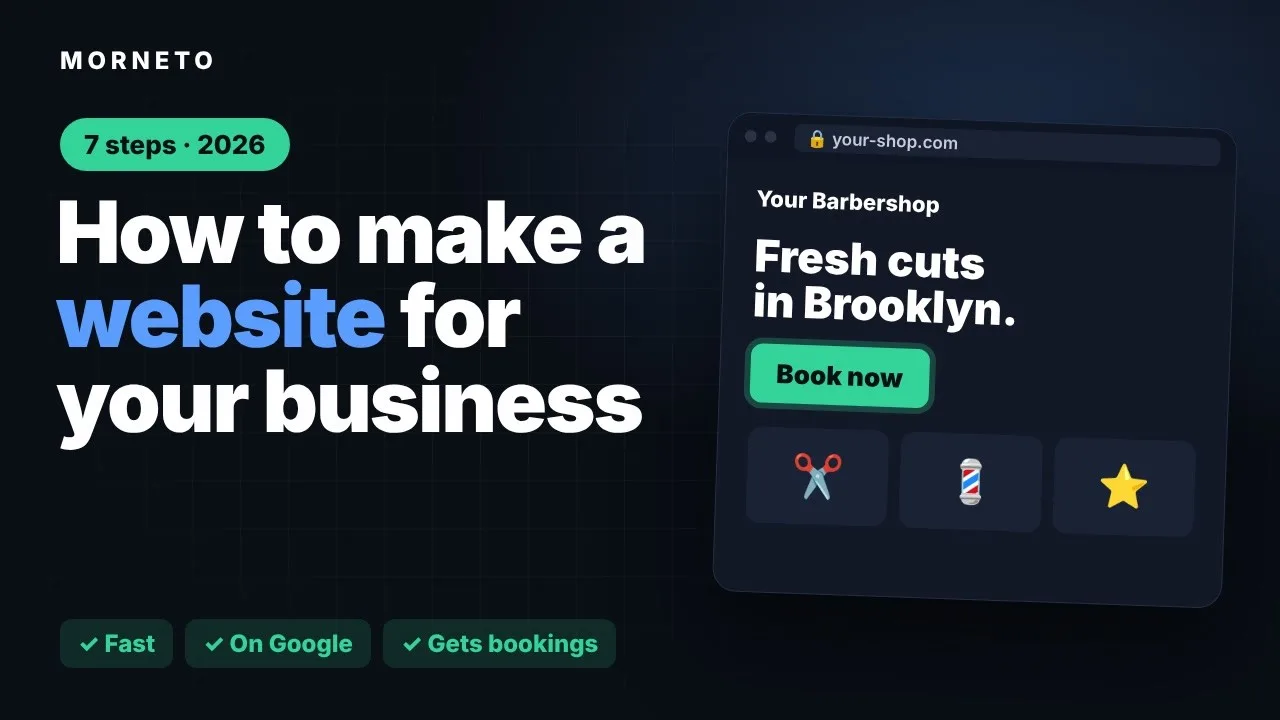
Make a website for your small business
First one goal and your own domain. Then the right pages, phone speed and easy booking.
- Video - 3:07
Website
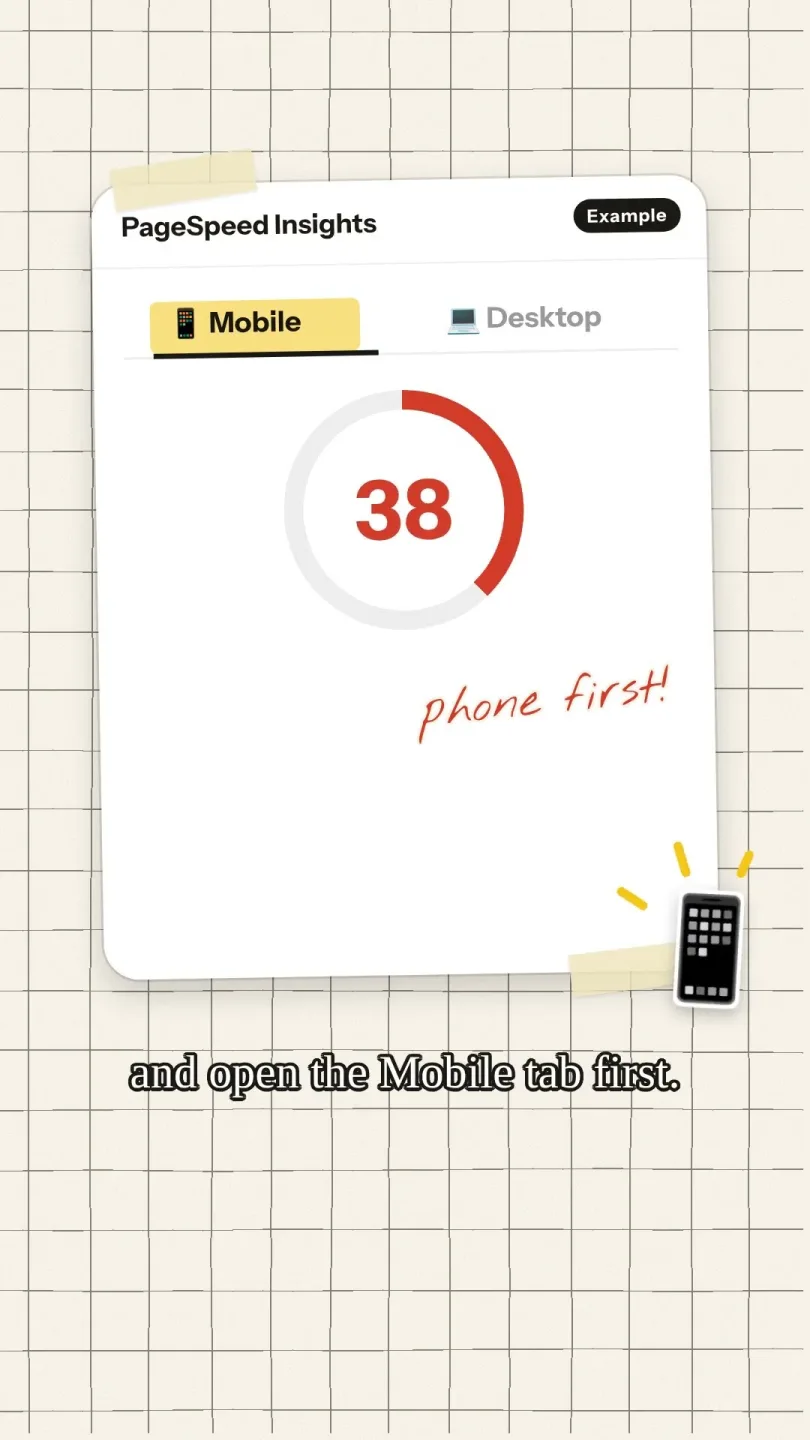
Test your site with PageSpeed Insights
First run the free test and read the real-user data. Then fix images, layout shifts and server speed.
- Video - 2:48
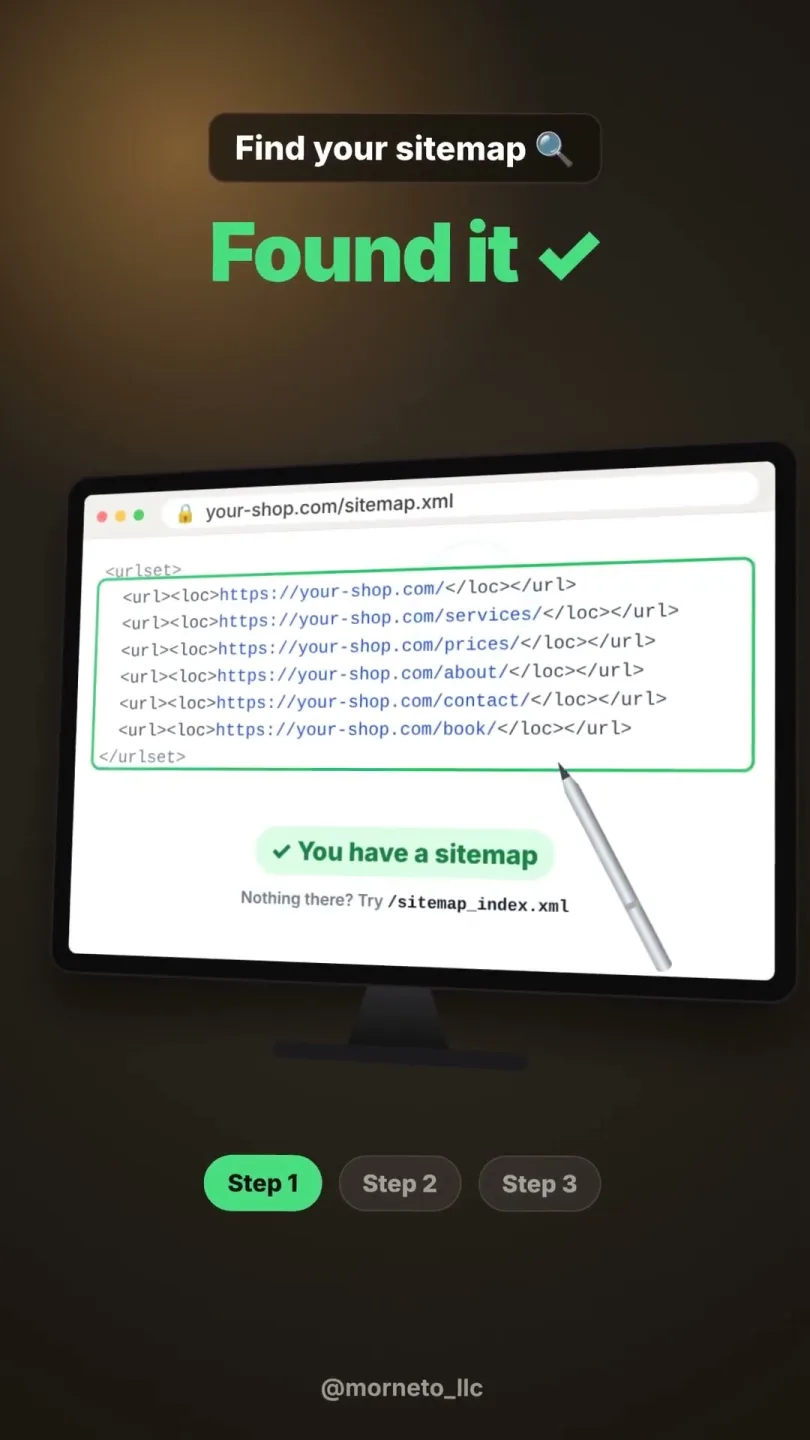
SEO
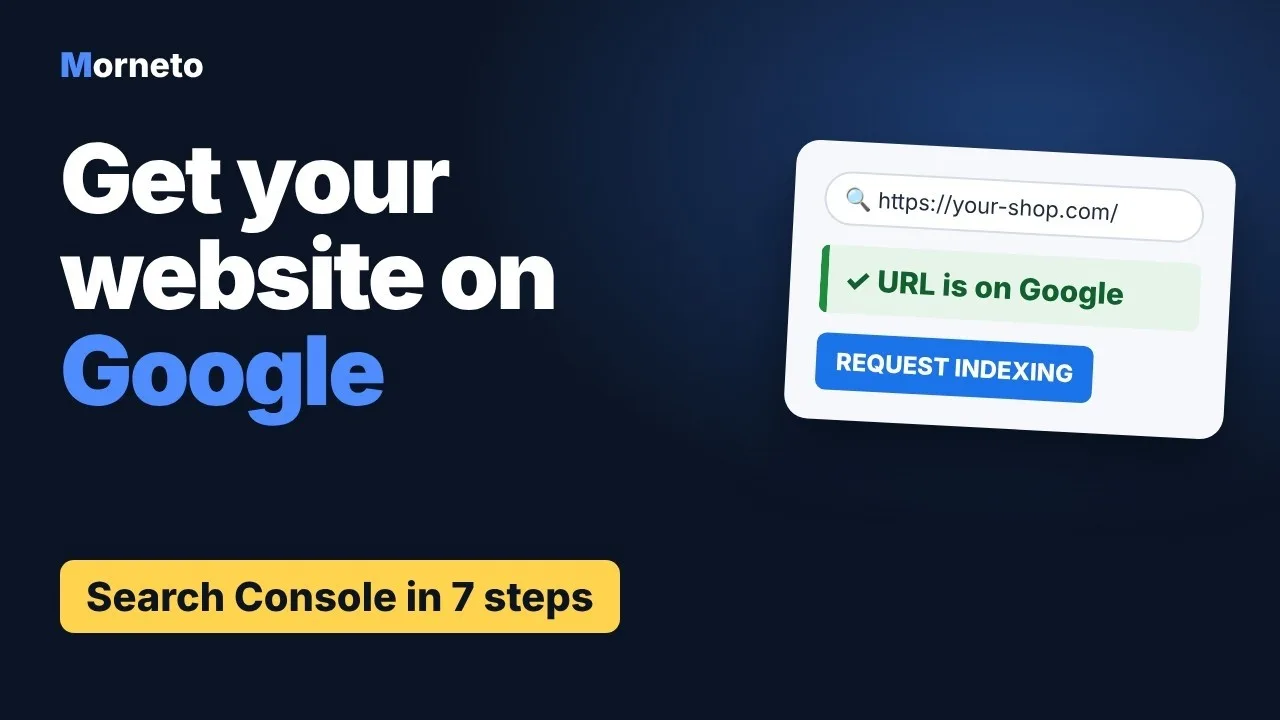
First verify your site and submit the sitemap. After that, inspect key pages and fix pages that are not indexed.

Watch how we work
- 0:53
SEO
SEO Agency in New York: How We Work and What It Costs
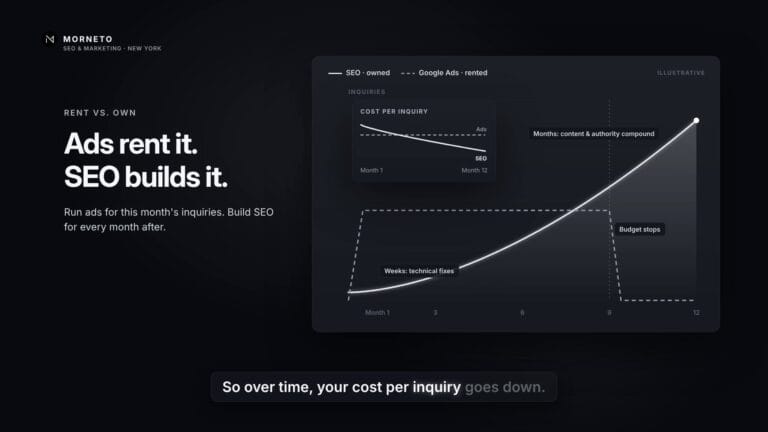
Google Ads stop when you stop paying, but SEO keeps working. See how each engagement runs: an audit, then technical fixes, pages for buying searches and earned links.
- 0:51
AI marketing
AI Marketing Agency in New York: How We Work and What It Costs
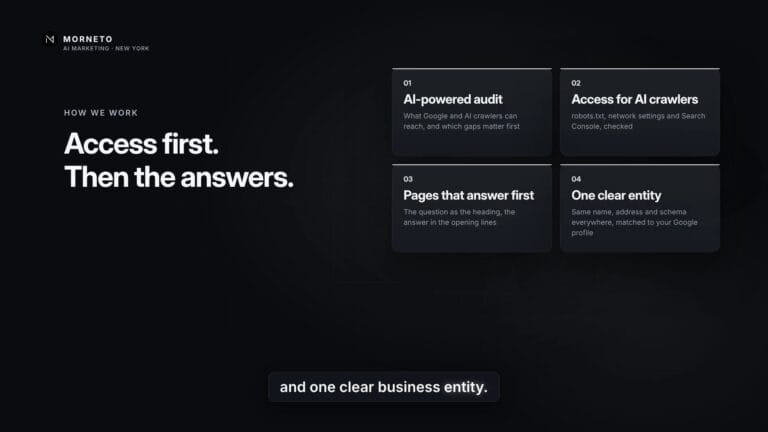
Your customers now ask ChatGPT, not only Google. See where we start: an AI-powered audit, access for AI crawlers, answer-first pages and one clear business entity.
- 0:58
Google Business Profile
Give your agency access in two minutes
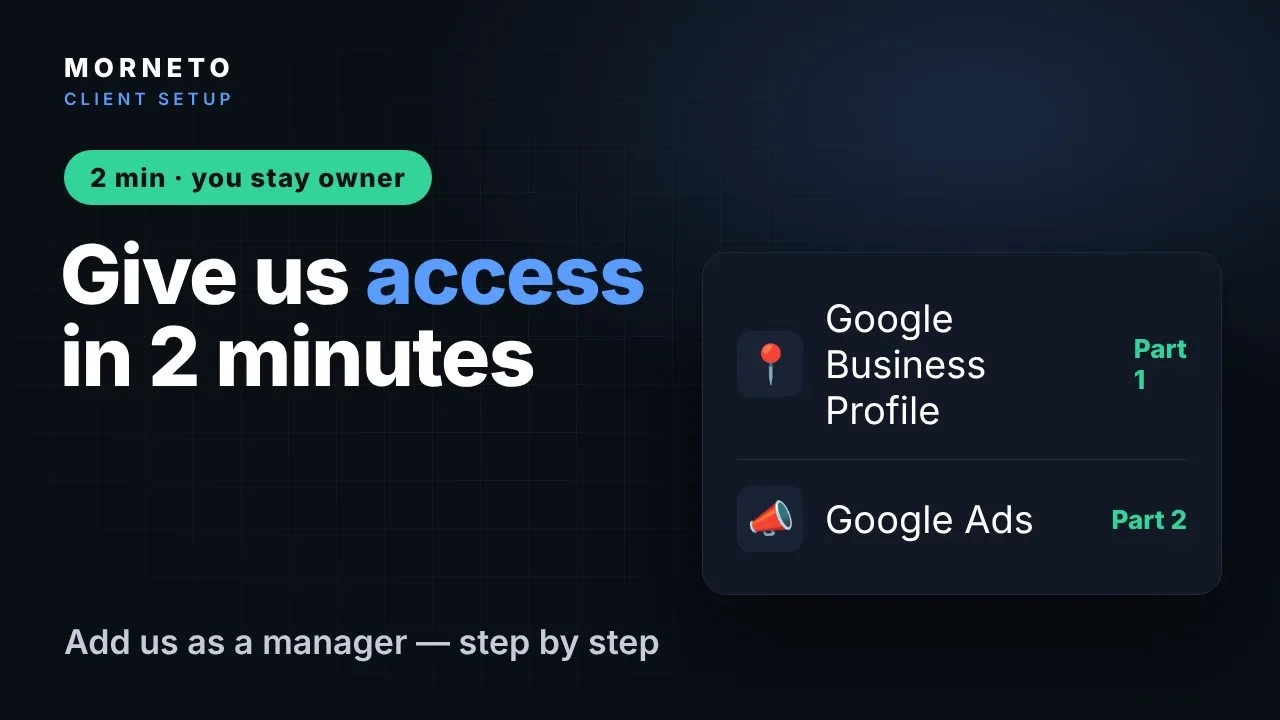
One short video for both: invite your agency as a Manager on Google Business Profile and as a user in Google Ads, without sharing a password.
Fill in your Google Business Profile
- Short - 0:39
Google Business Profile
Fill in your profile description
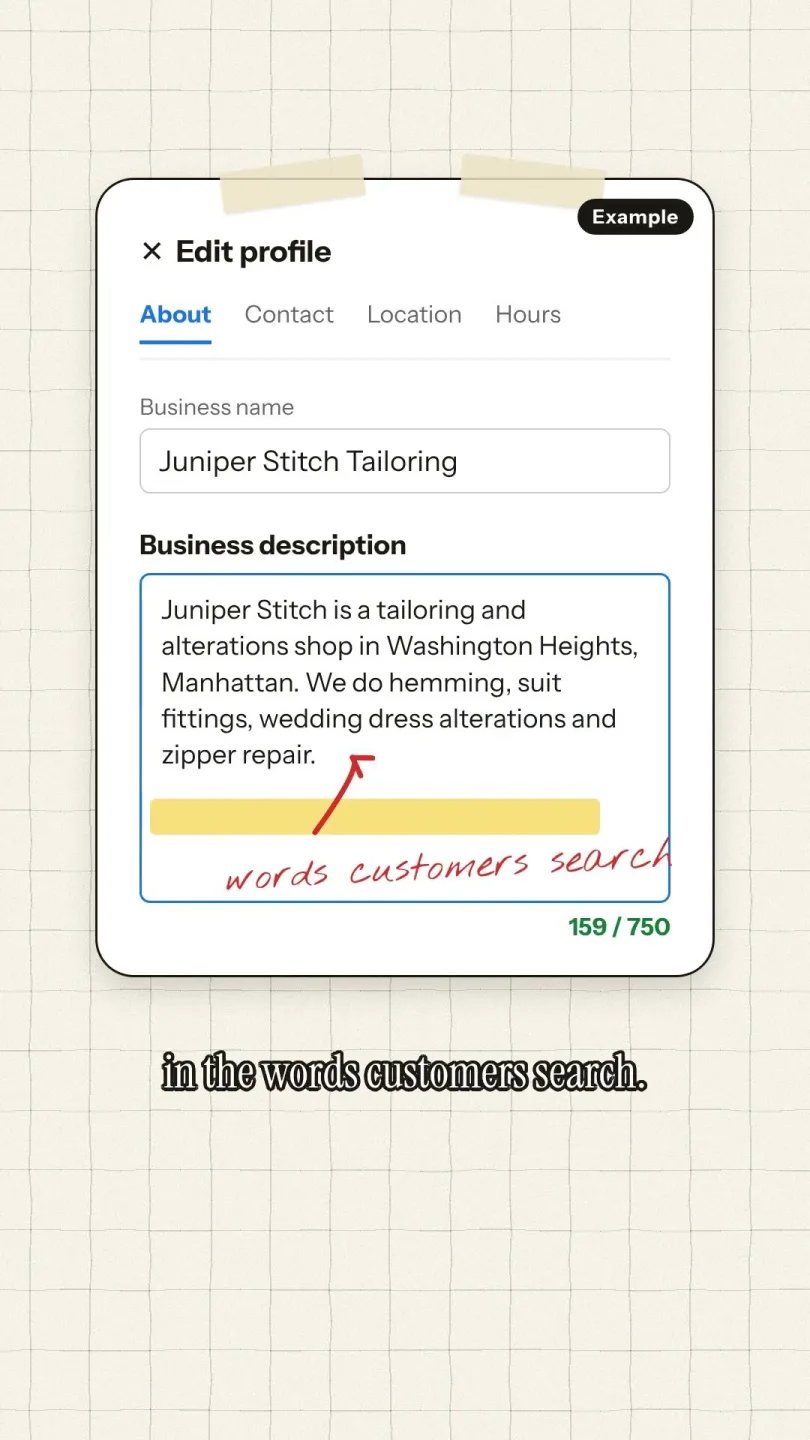
Most owners leave this box empty. As a result, Google and AI tools know less about what you do.
- Short - 0:34
Google Business Profile
Add your services to your profile
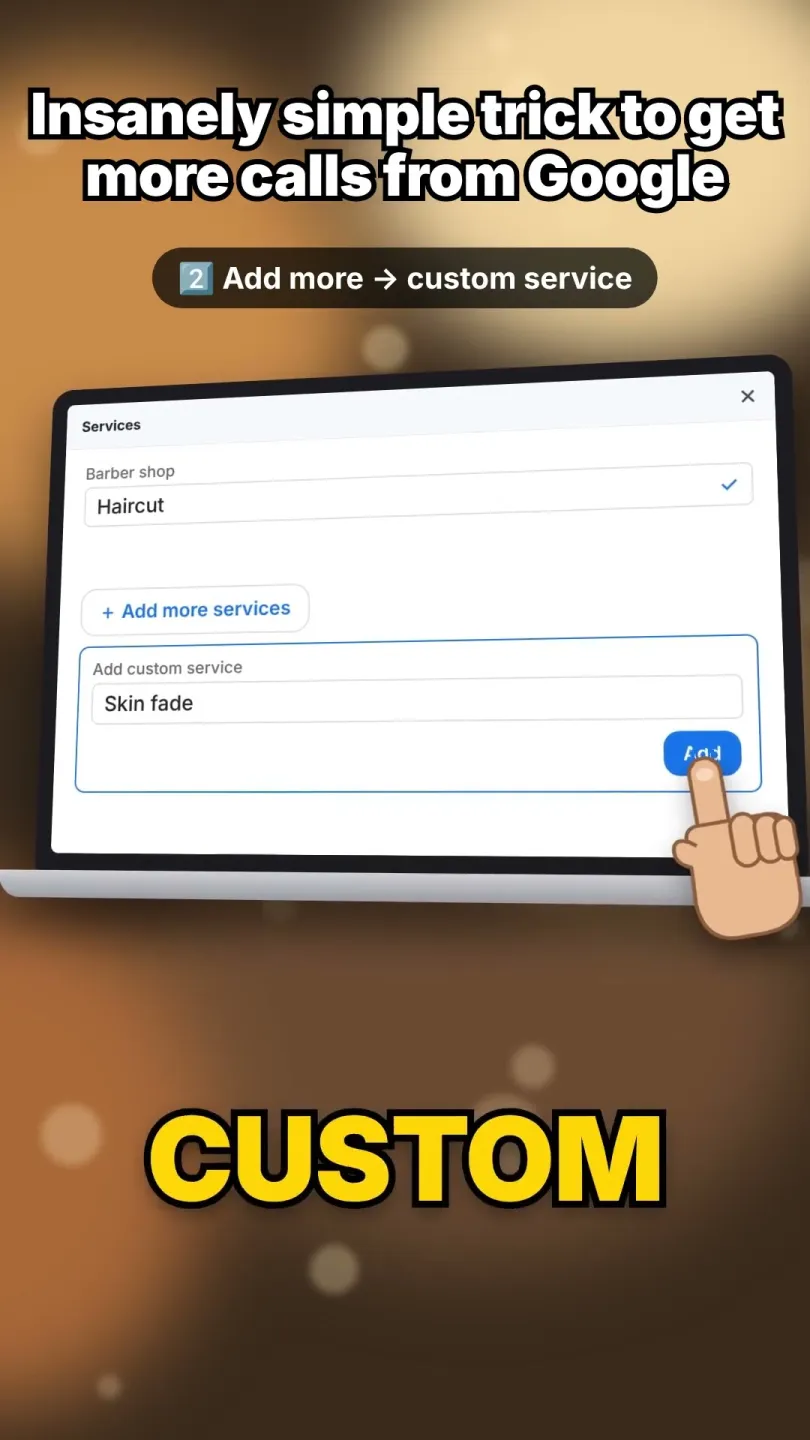
Customers cannot choose what they cannot see. So list every service on your Google profile.
- Short - 0:27
Google Business Profile
Add your prices to your Google profile
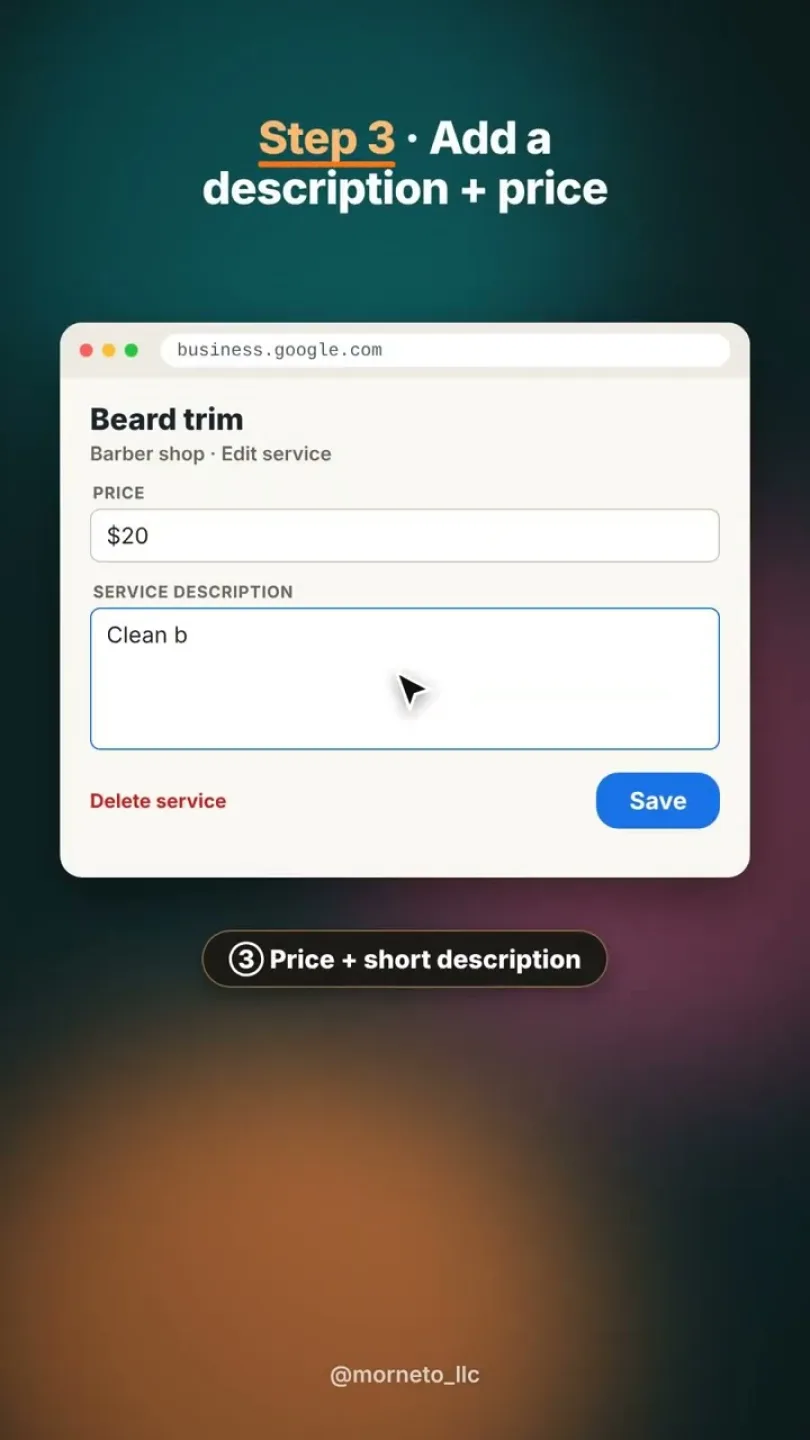
People compare prices before they call. Therefore add a price and a short description to every service.
- Short - 0:26
Google Business Profile
Add a Book button to your profile
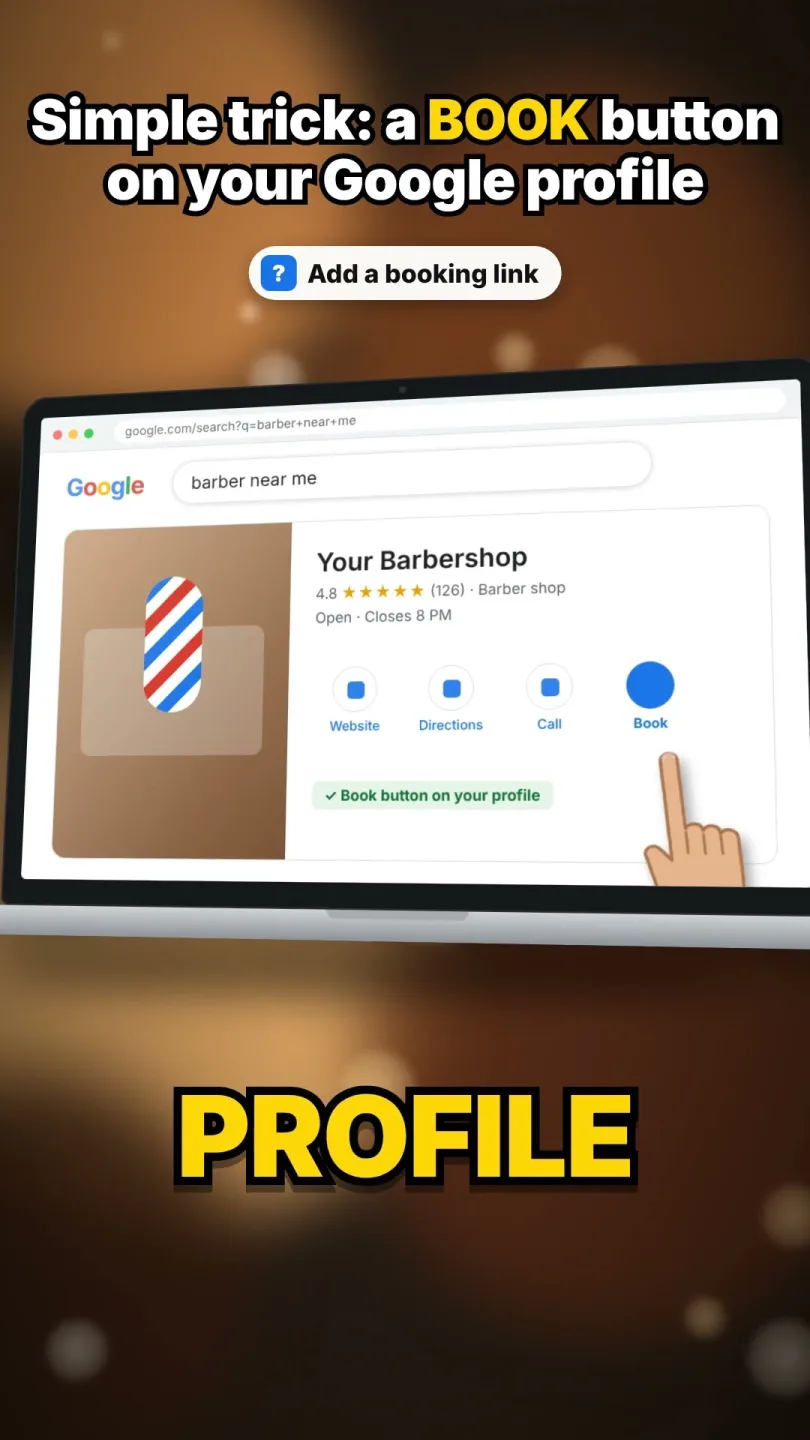
Let people book straight from Google instead of leaving to find a form.
- Short - 0:39
Google Business Profile
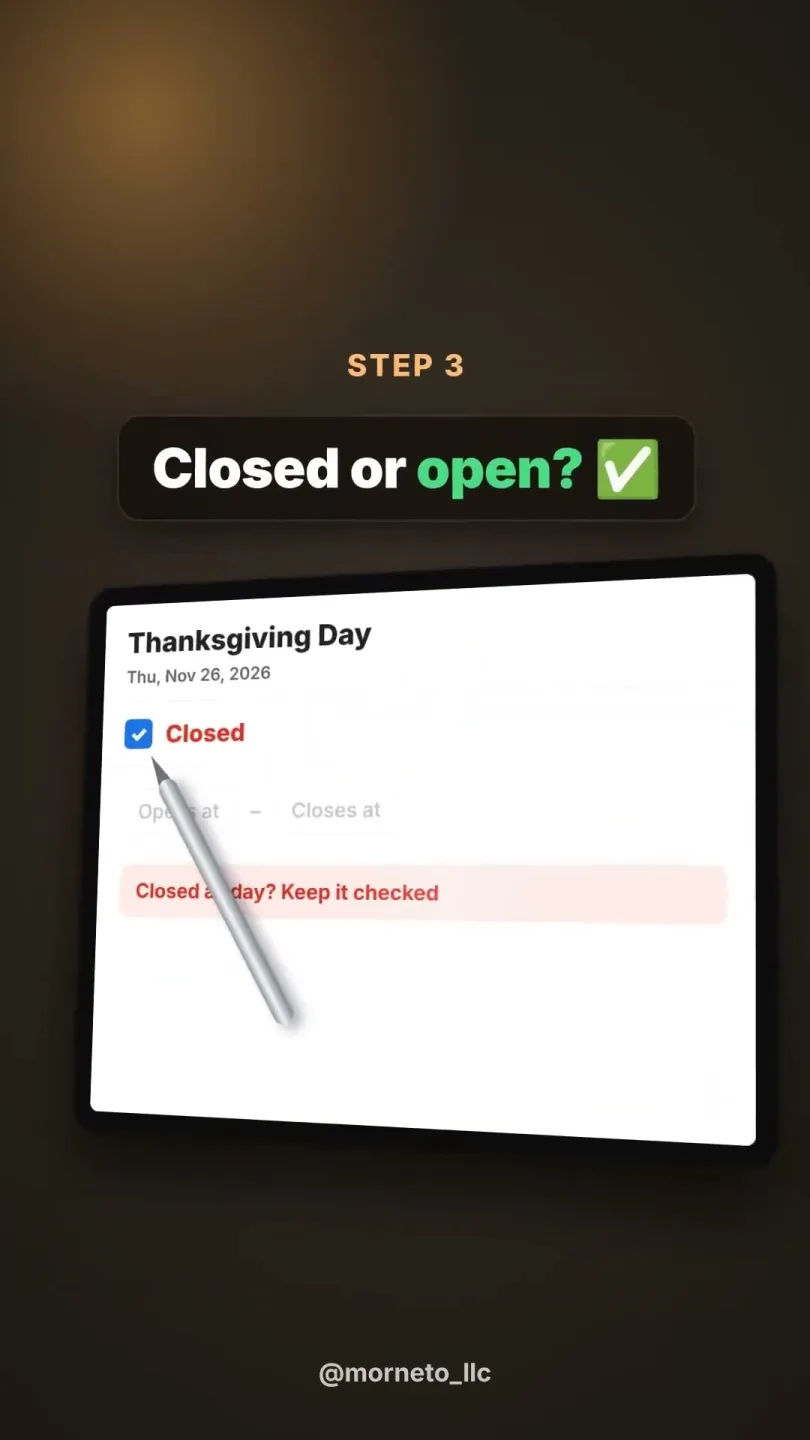
Fix your opening hours, holidays included
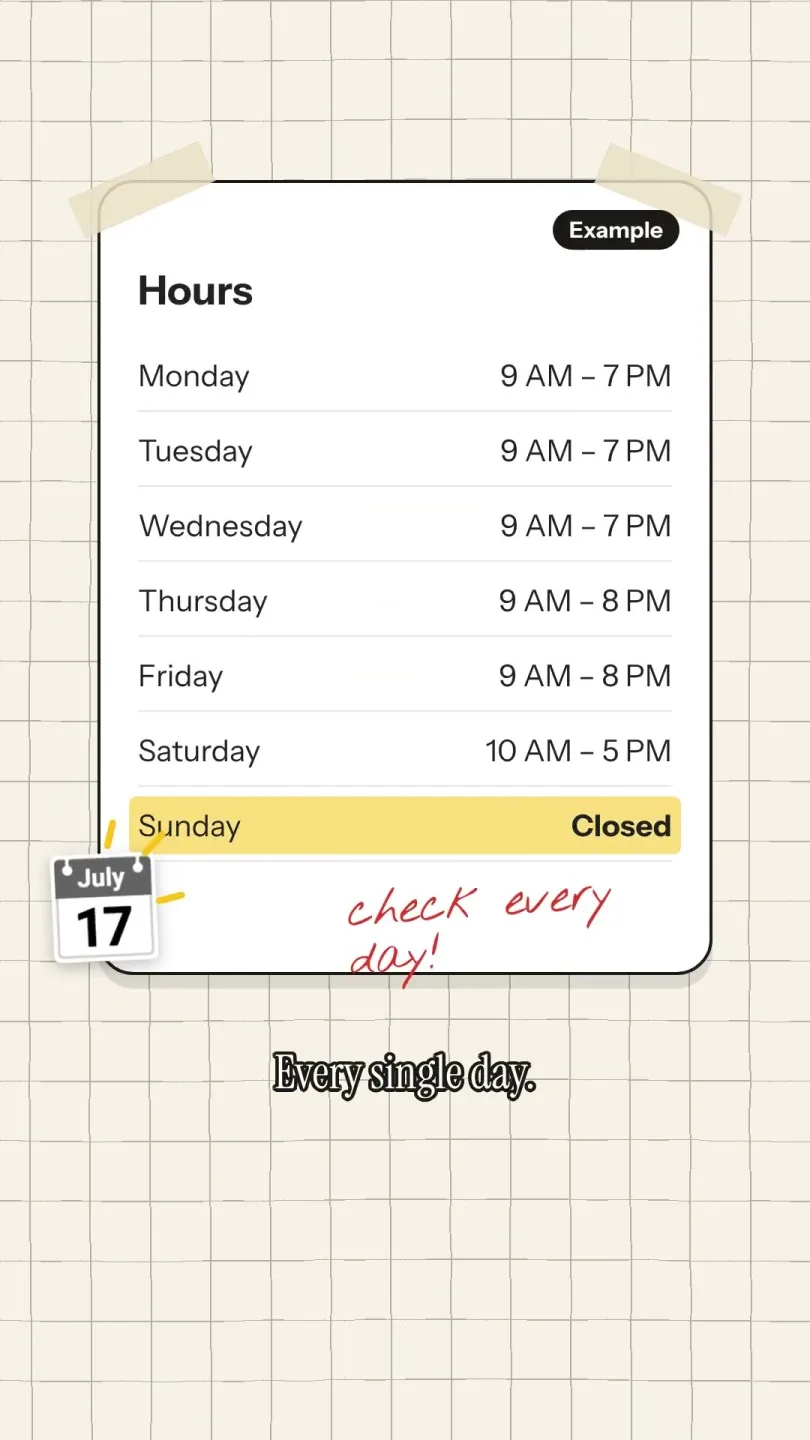
Wrong hours cost you customers. First check every day, then set every holiday under special hours.
- Short - 0:33
Google Business Profile
Tell Google when you are closed. Otherwise customers drive over to a locked door.
- Short - 0:39
Google Business Profile
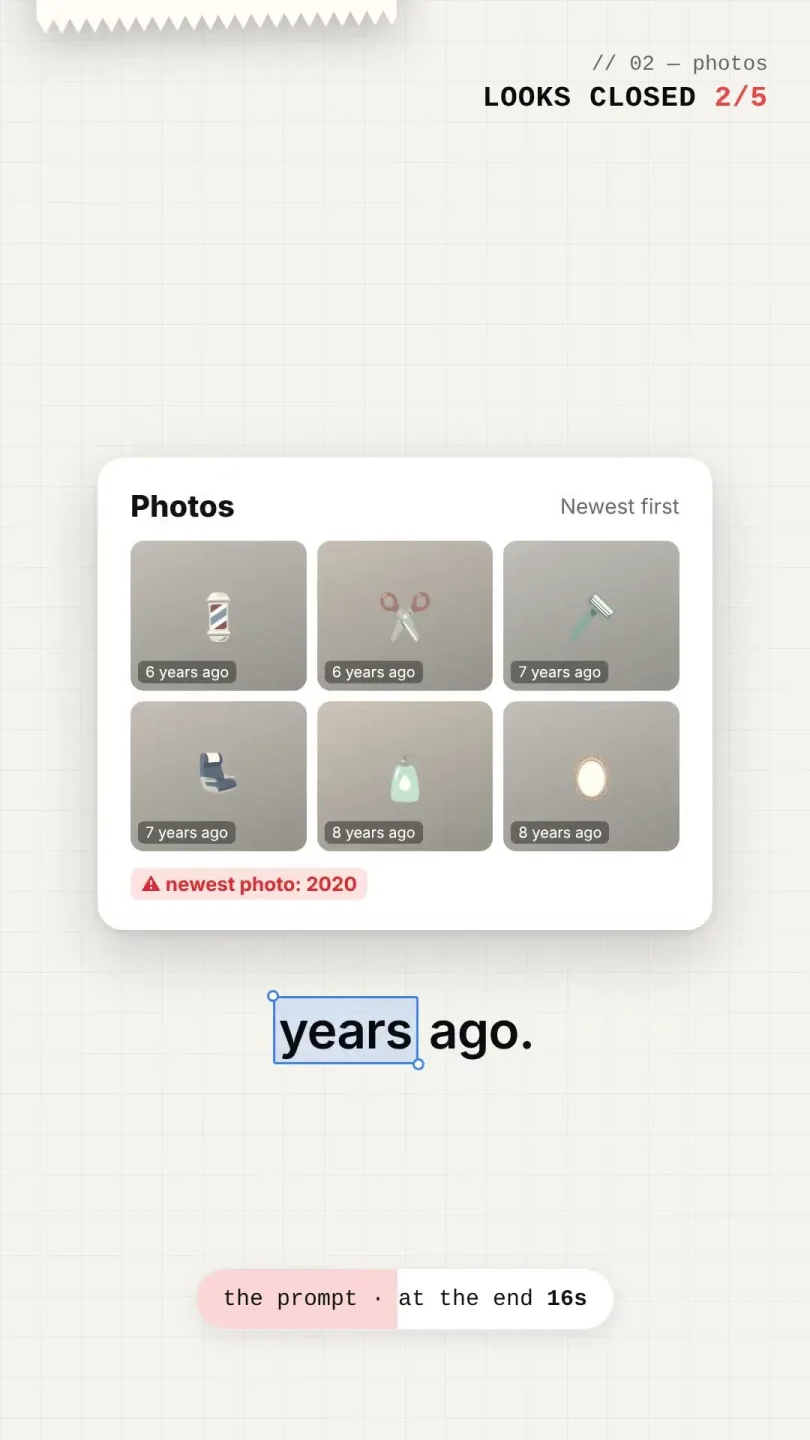
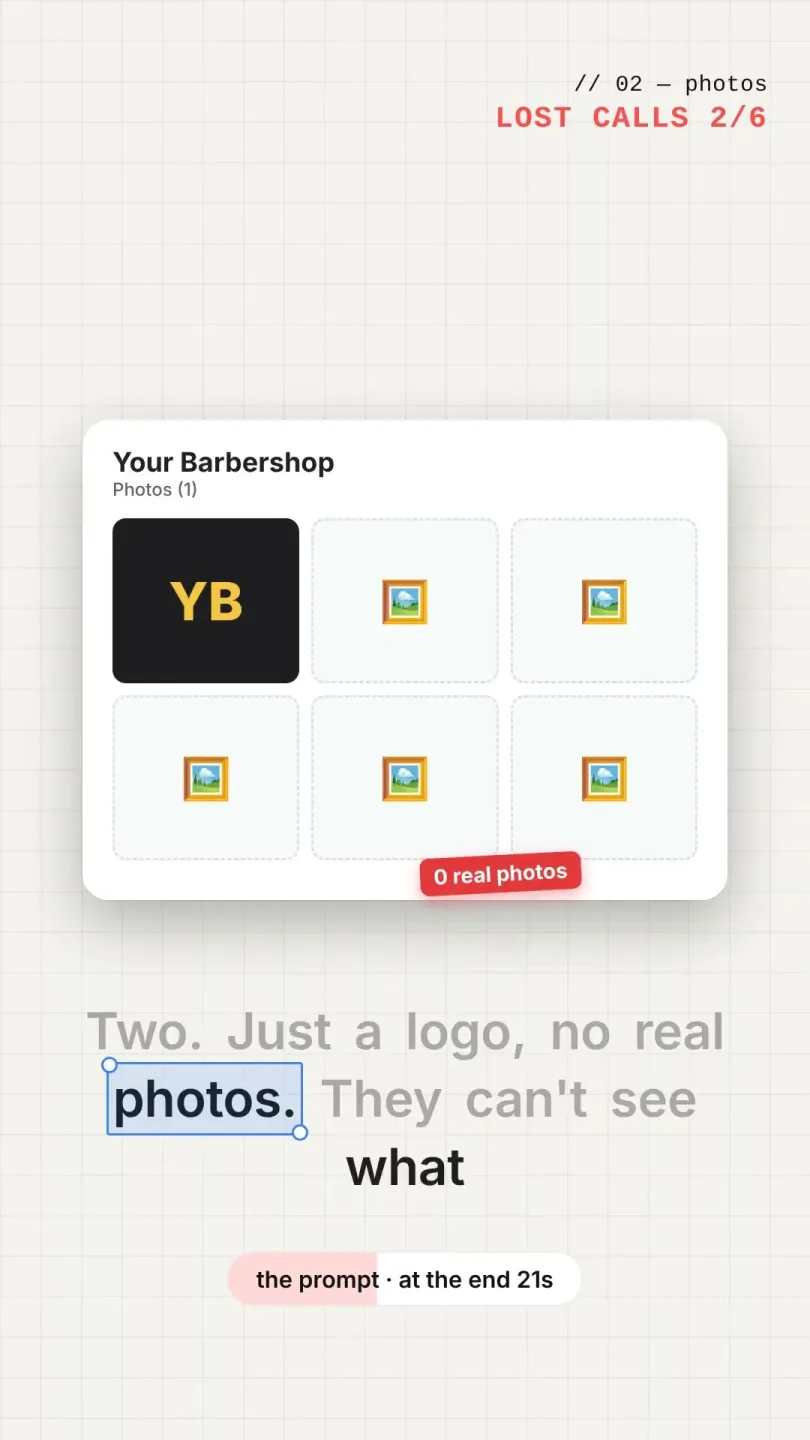
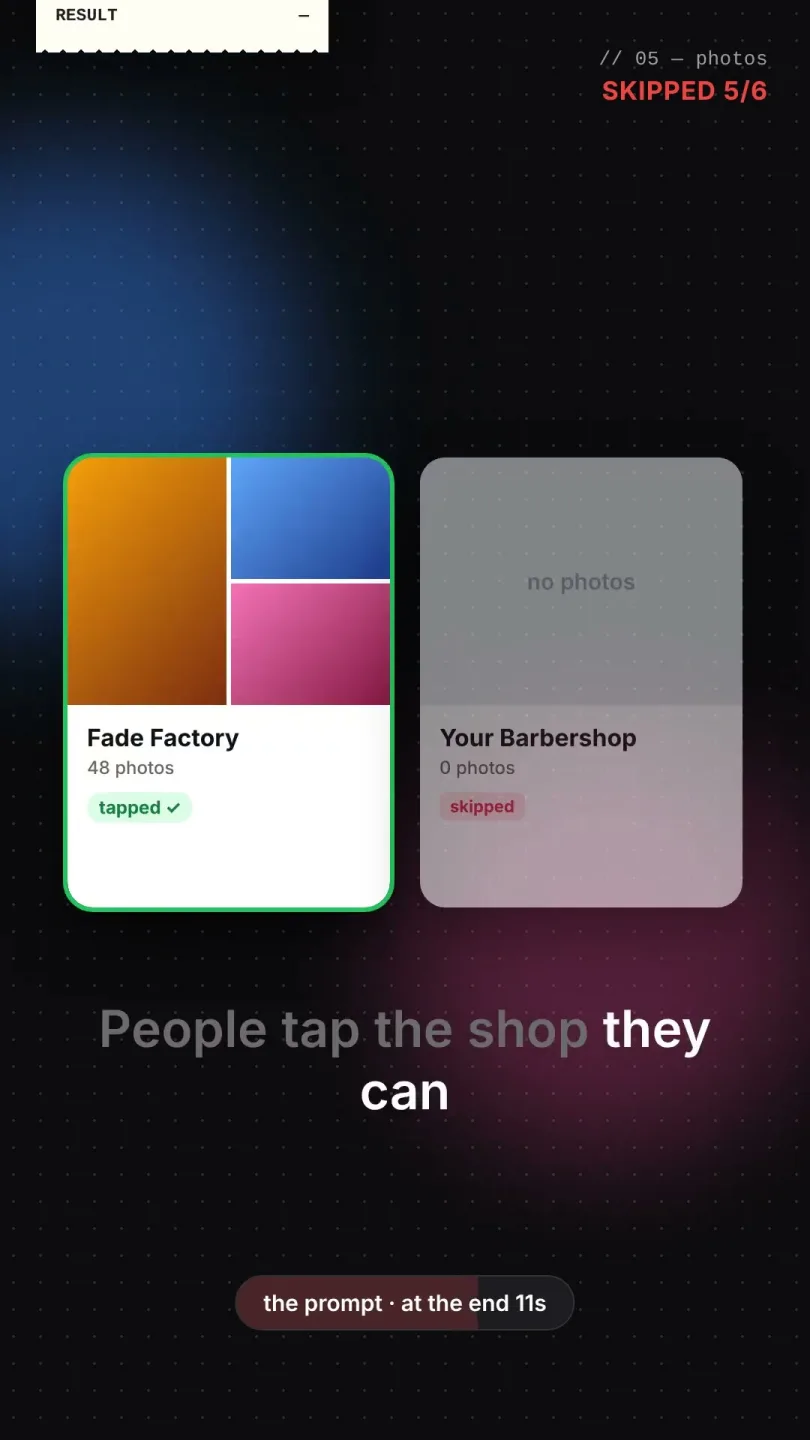
Does your business look closed?
Five things on your profile that make customers think you closed, even when you are open.
- Short - 0:32
Google Business Profile
Post free updates on your profile
Share an offer, a product or news. In addition, every post can carry one photo and a button.

Rank on Google Maps and get more reviews
- Short - 0:43
Google Business Profile
Six usual reasons. For example, the wrong main category shows you for the wrong searches.
- Short - 0:44
Google Business Profile
Not in the top 3 on Google Maps?
Six reasons a profile misses the map pack, and what to check first.
- Short - 0:35
Google Business Profile
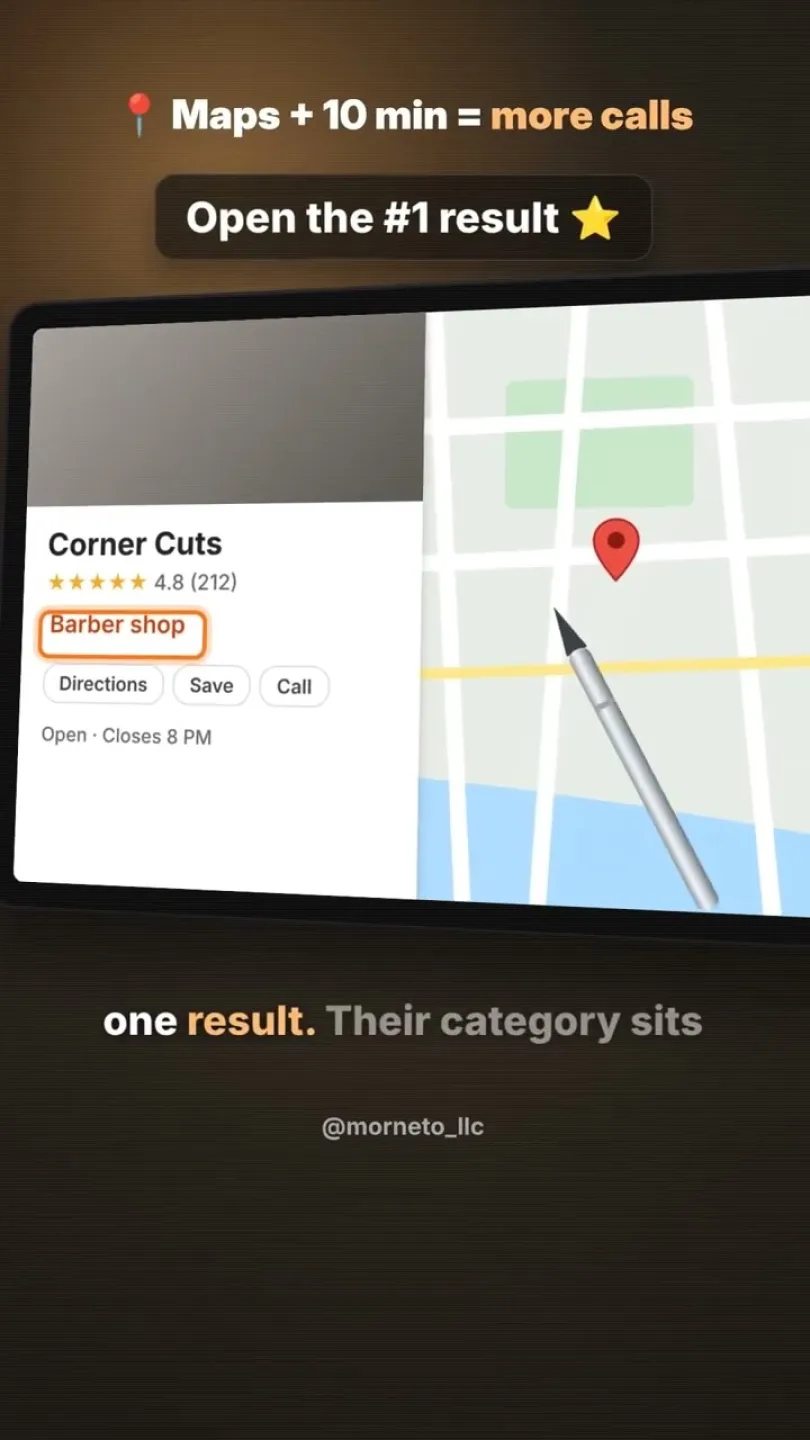
First see which main category the number one result uses. Then check yours.
- Short - 0:30
Google Business Profile
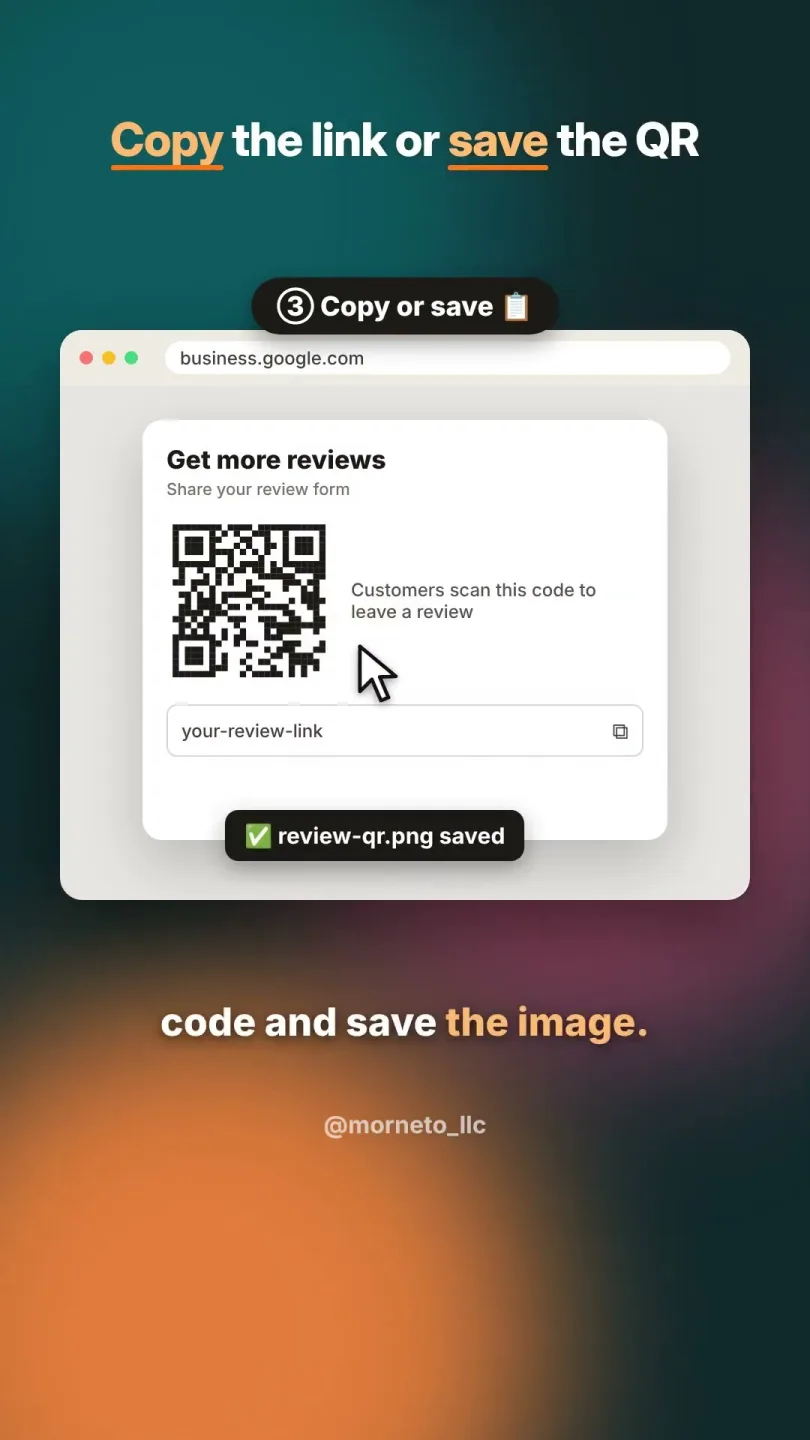
Get your review link and QR code
Make leaving a Google review one tap, because every extra step loses reviews.
- Short - 0:33
Google Business Profile
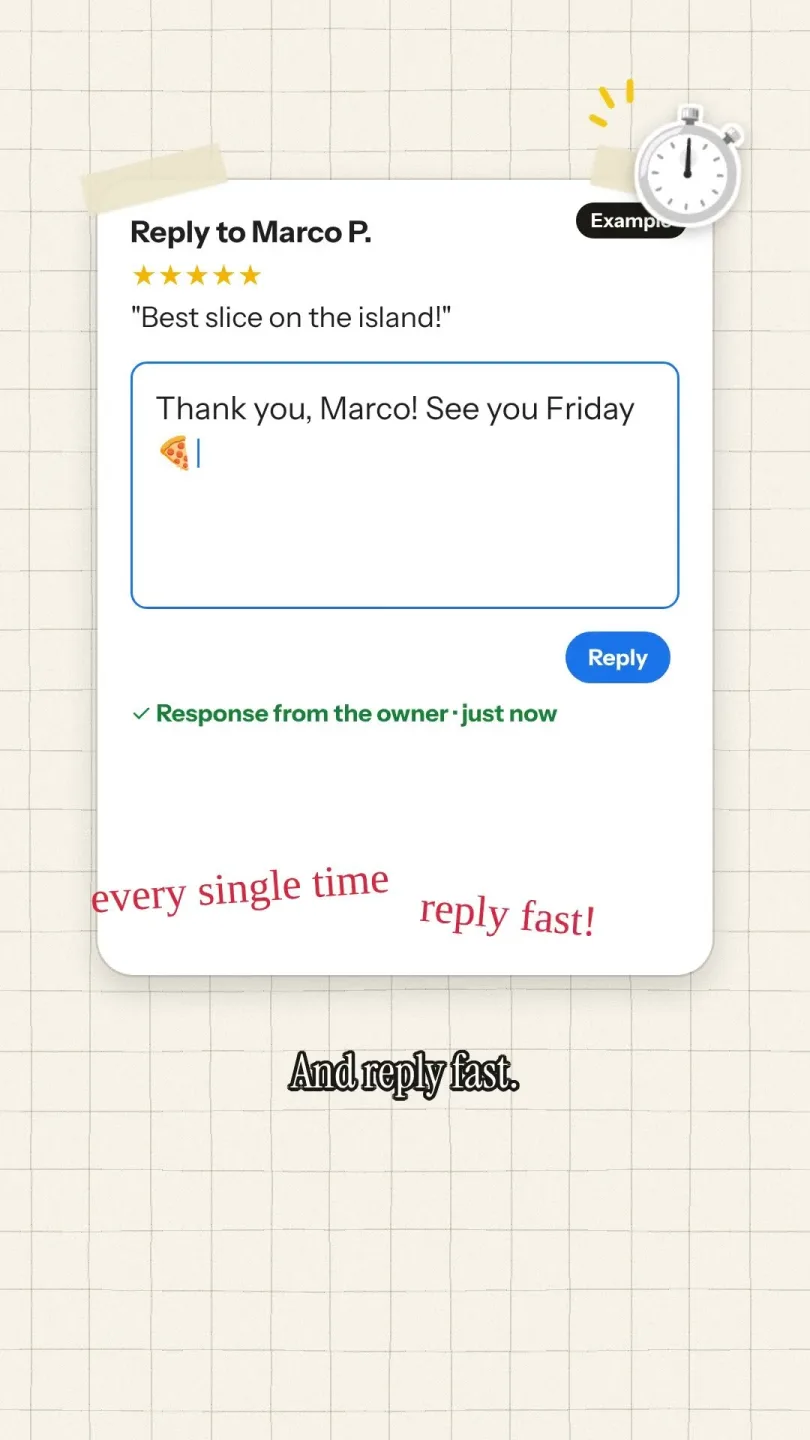
Reply to every review. However, answer a bad one calmly and keep it short.
- Short - 0:30
Google Business Profile
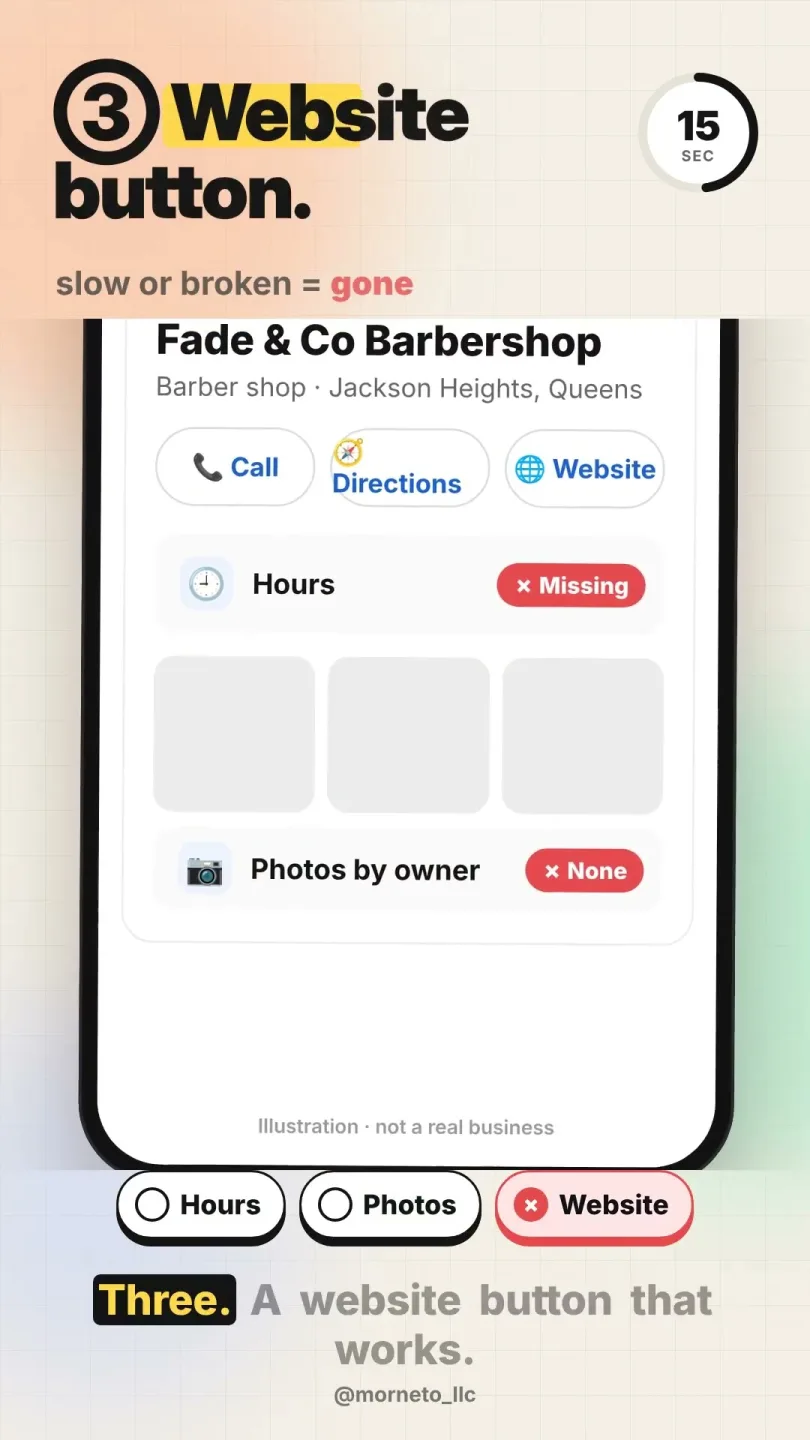
The 30-second check customers do before they call. Then fix what looks wrong.
- Short - 0:37
Analytics
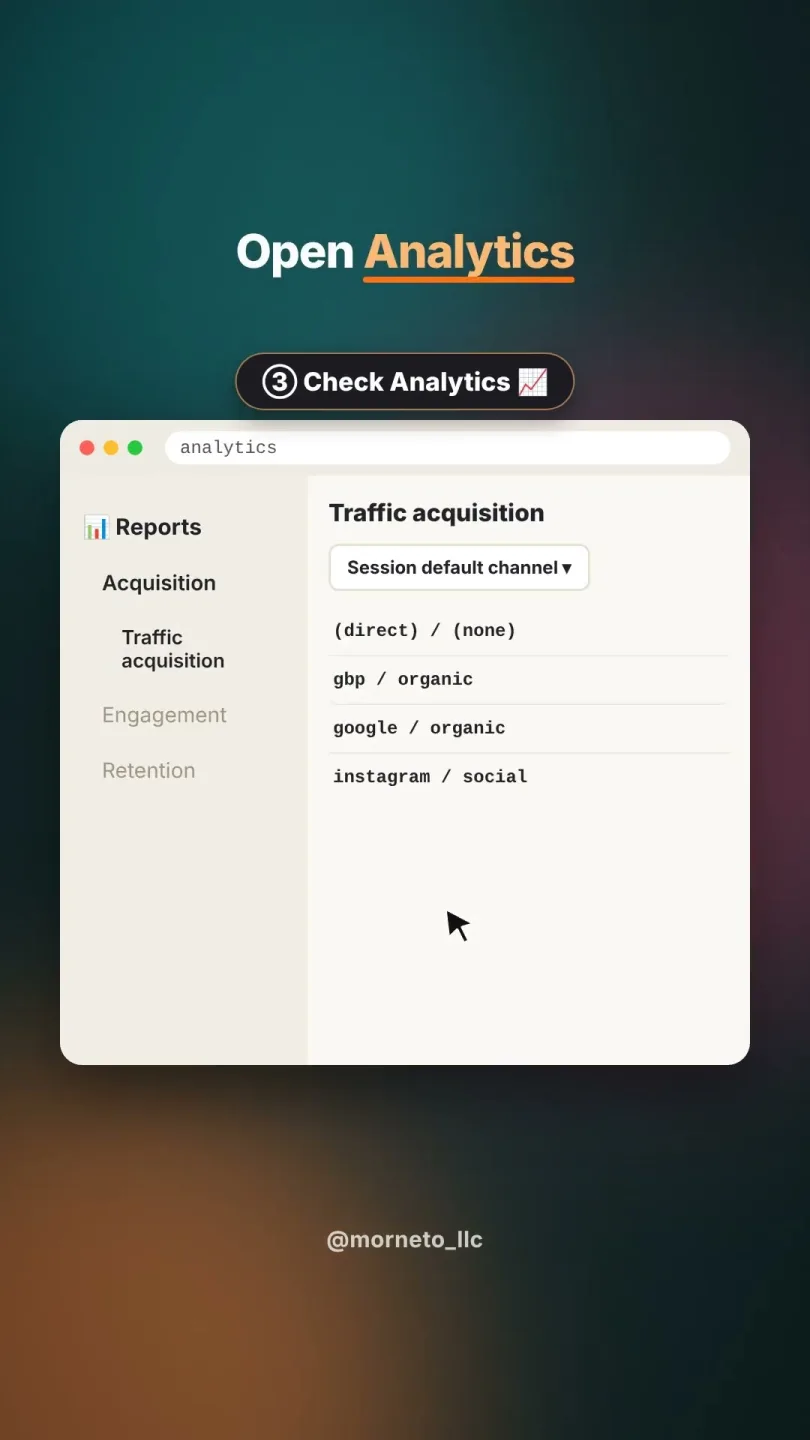
Track customers from your profile
A free tag makes every profile visit show up in your stats. As a result, you see what works.
- Short - 0:33
Google Business Profile
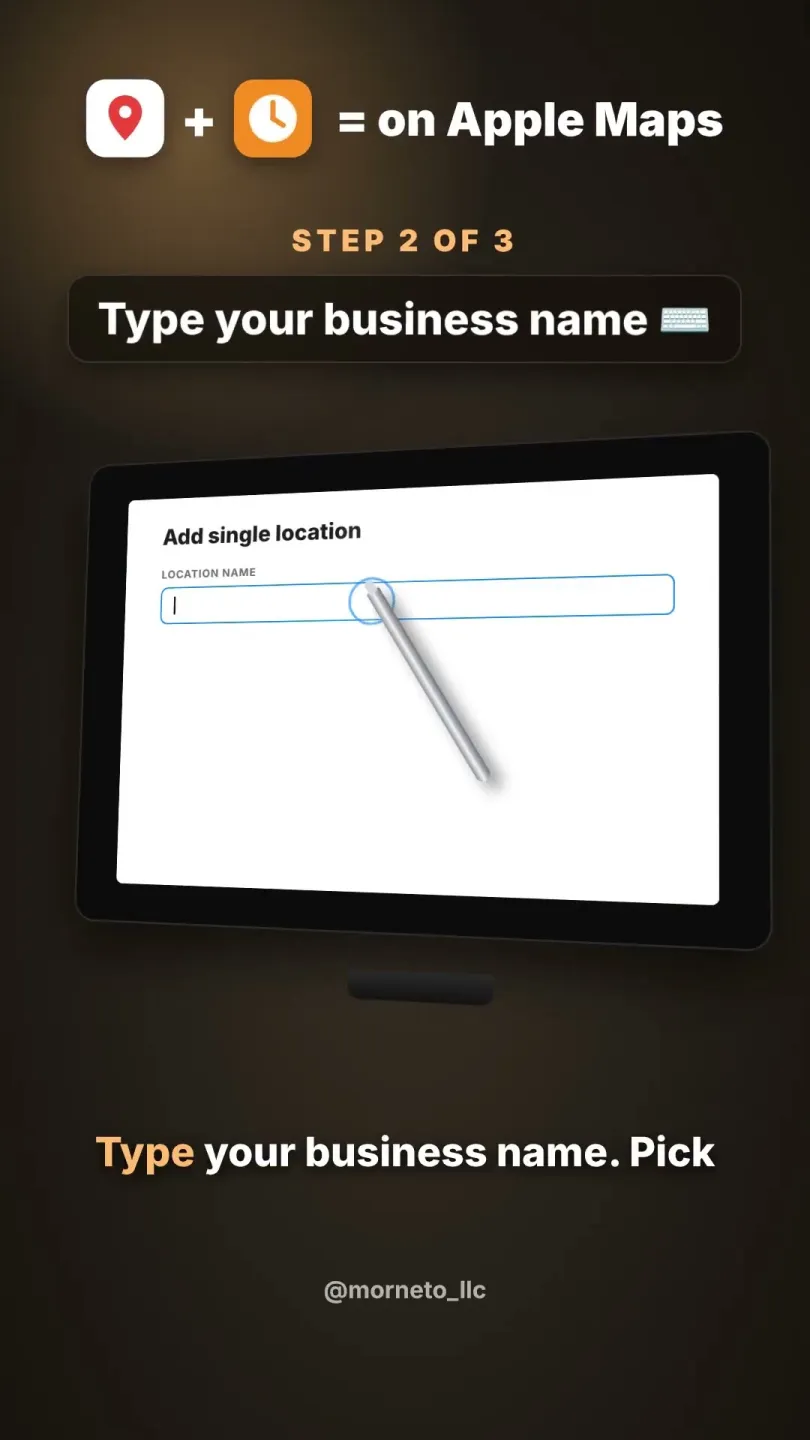
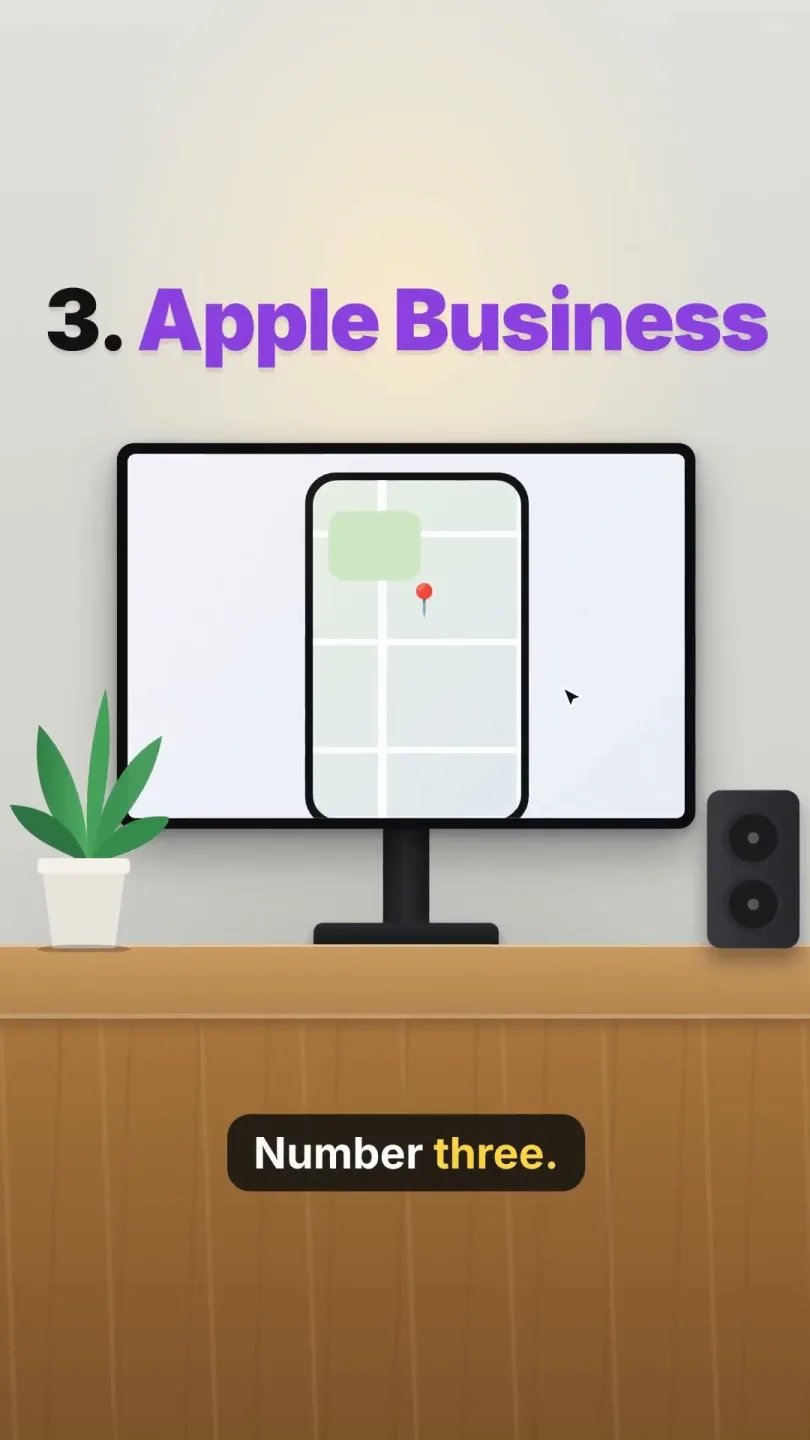
Get on Apple Maps in 5 minutes
Apple Maps is the default on every iPhone. Add your business free, then verify it.
Get found on Google and Bing
- Short - 0:36
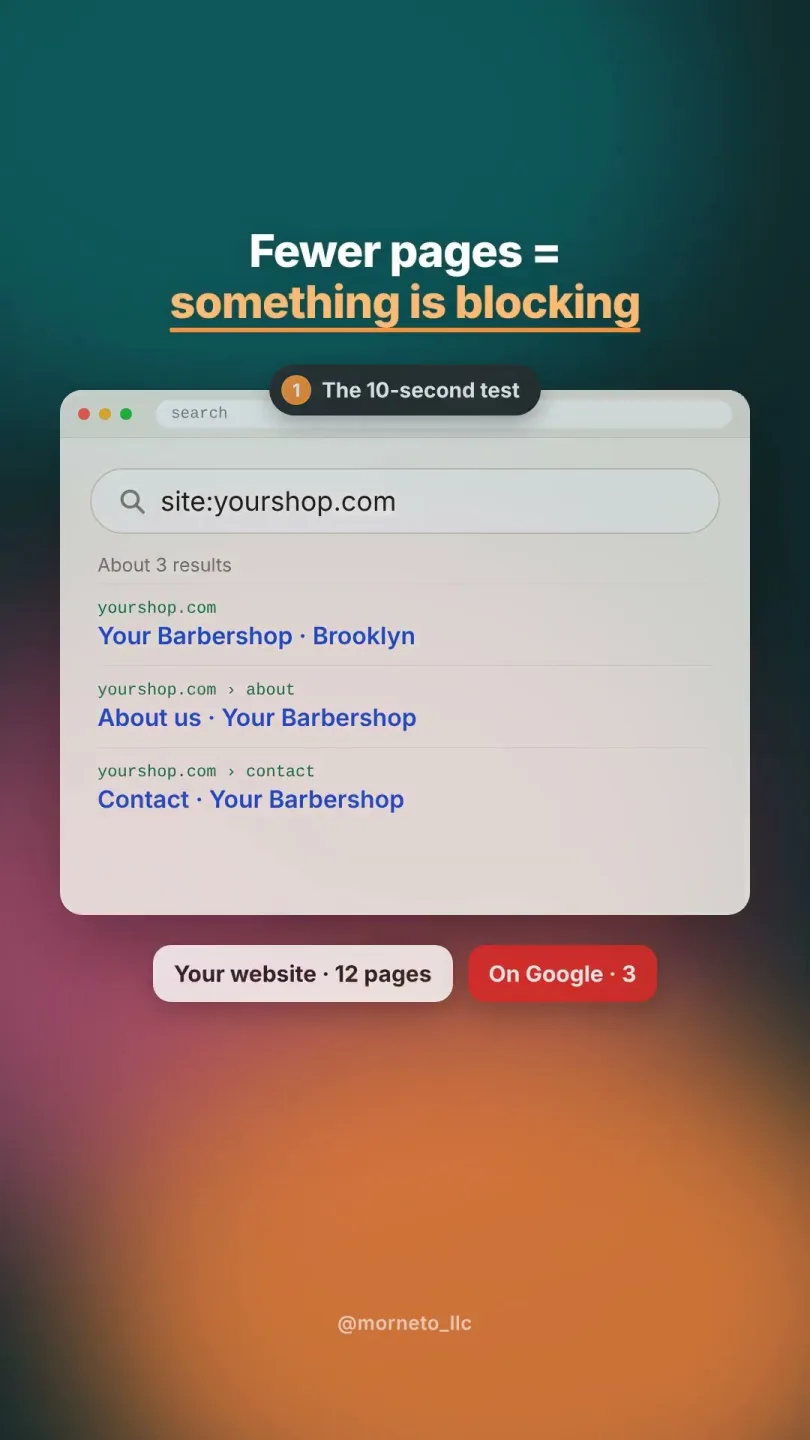
SEO
A one-minute check with site:. Then see what to do if pages are missing.
- Short - 0:33
- Short - 0:29
SEO
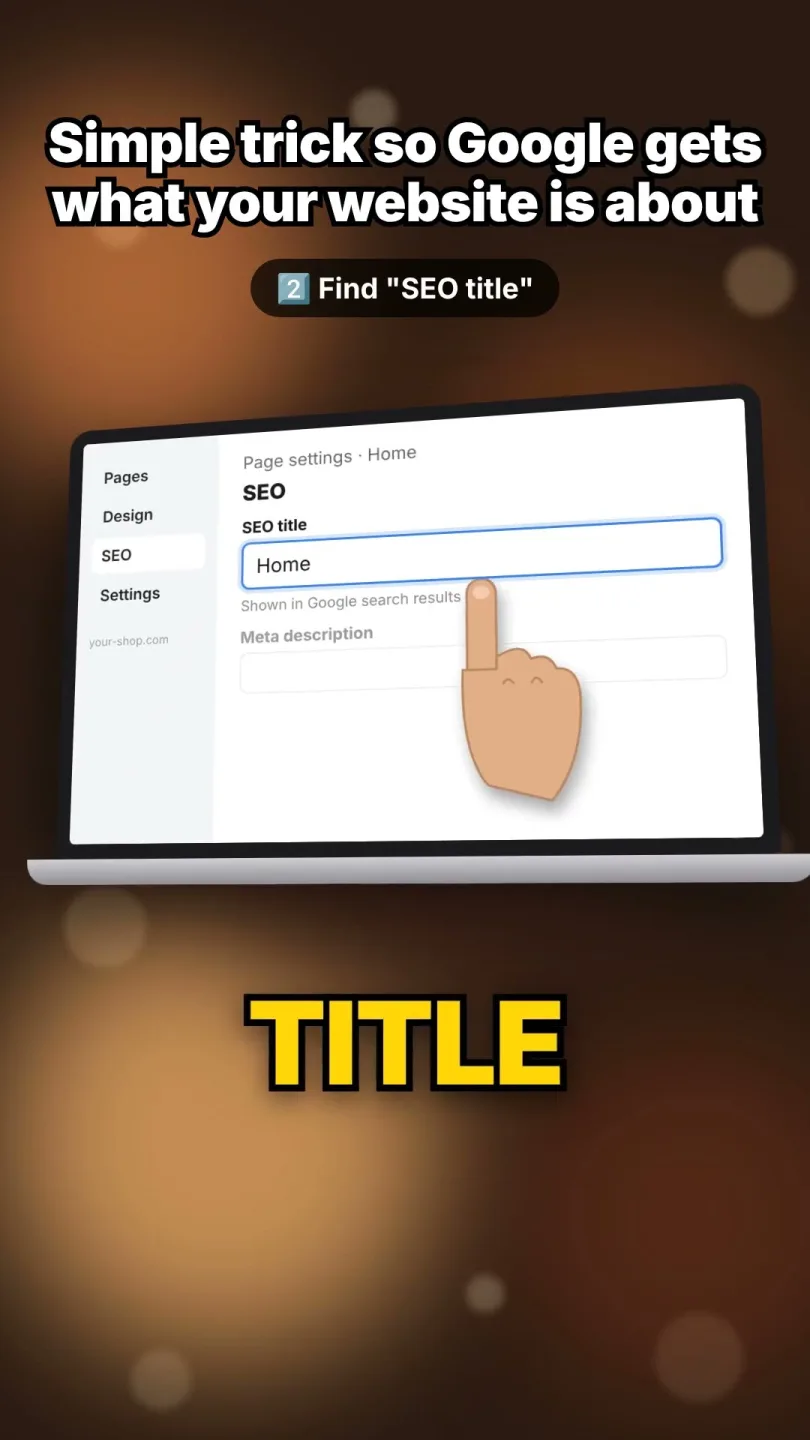
Fix page titles that say "Home"
Write a clear title for every page, because Google's own guide advises it.
- Short - 0:40
SEO
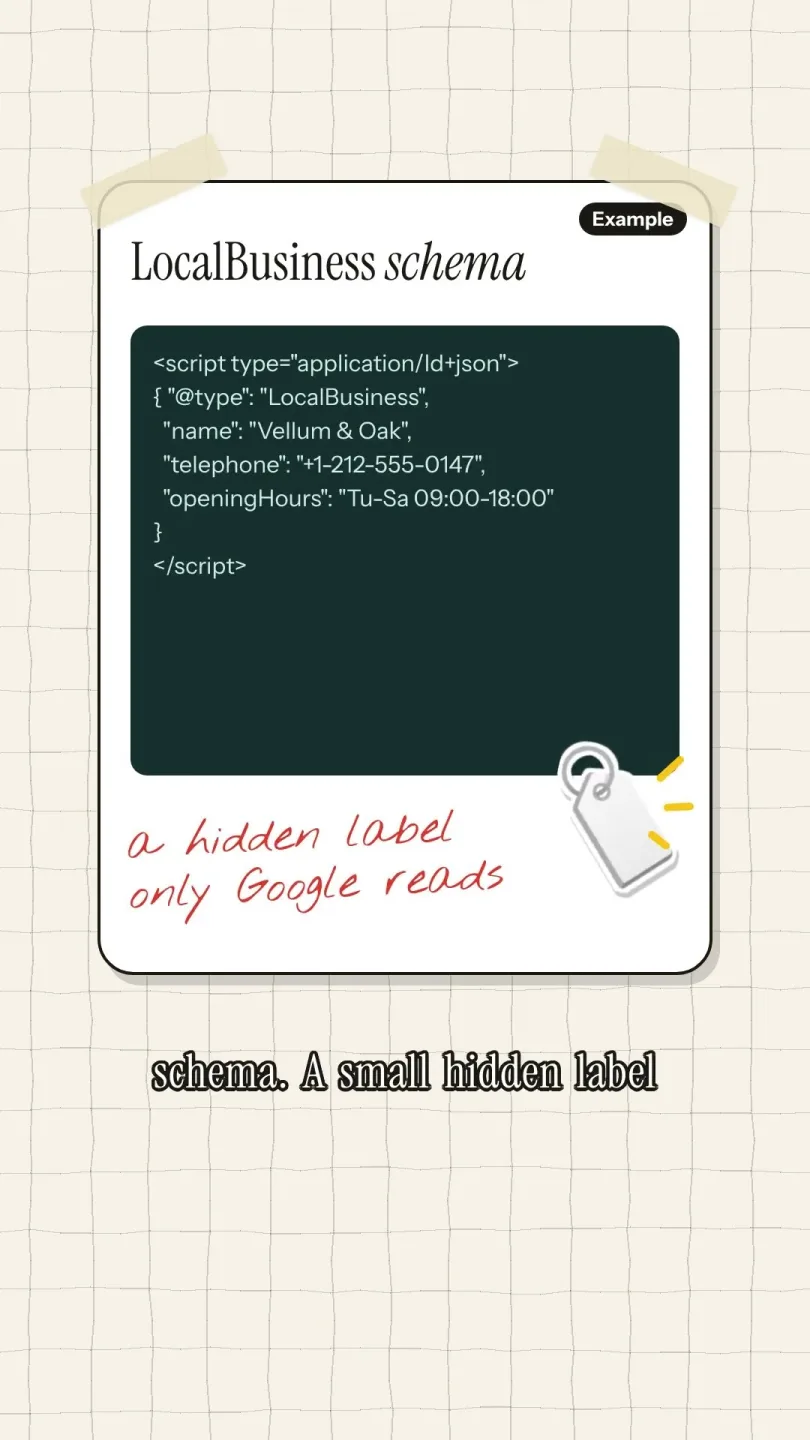
A hidden label that tells Google your hours, address and phone, so it reads them correctly.
- Short - 0:39
- Short - 0:37
- Short - 0:37
SEO
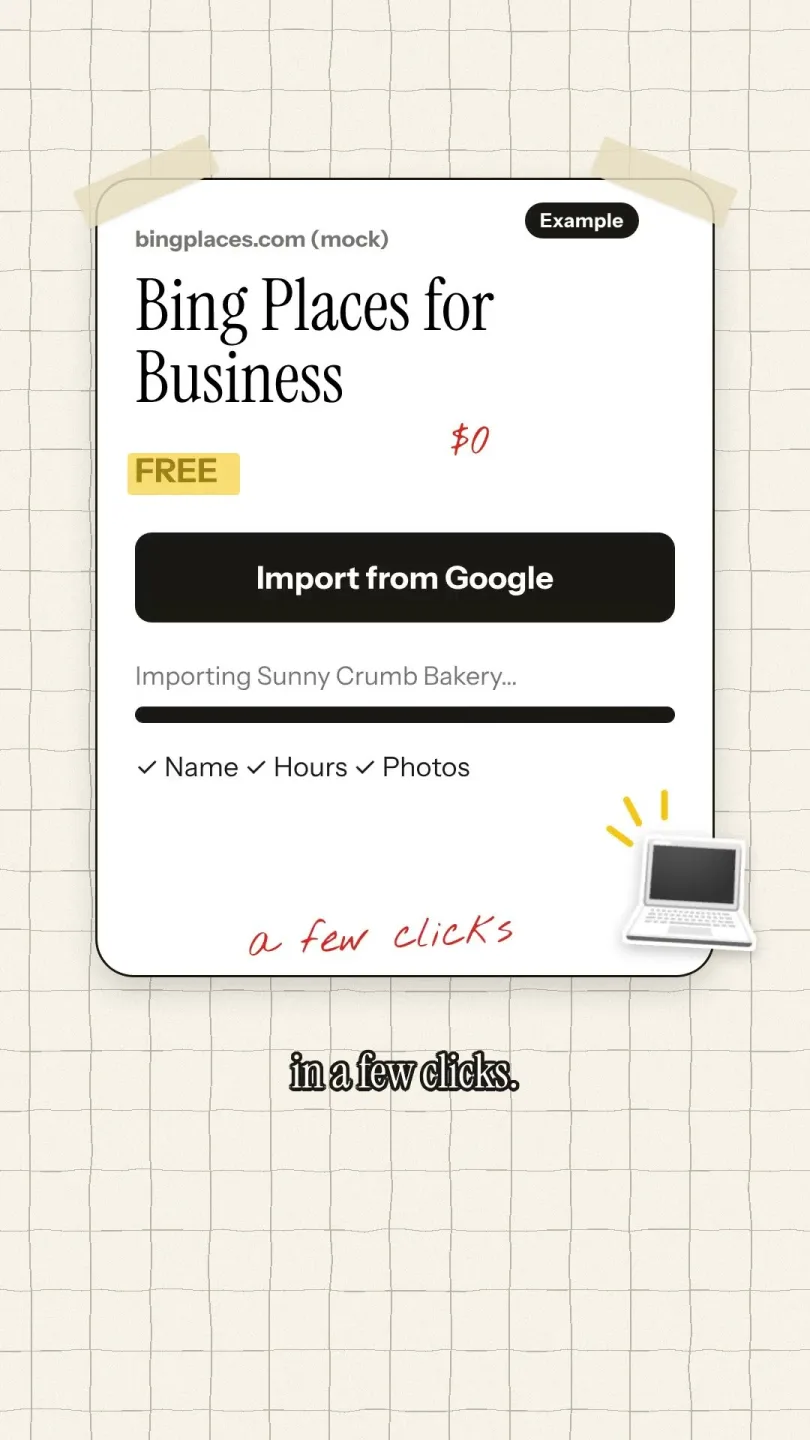
Bing Maps keeps its own list of businesses. Therefore make sure you are on it too.
- Short - 0:32
SEO
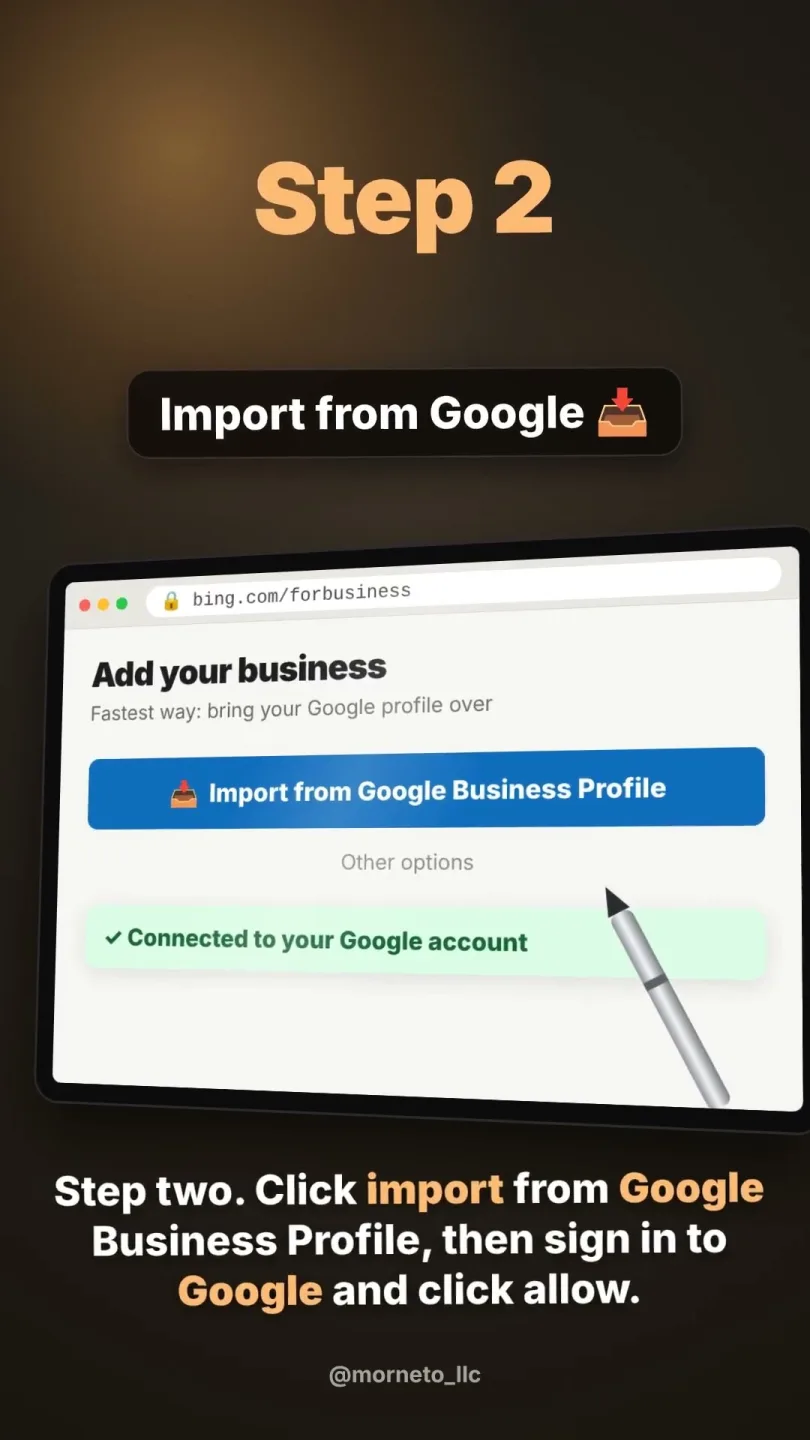
Copy your profile to Bing Places
Import your Google profile into Bing in about five minutes instead of typing it again.
- Short - 0:39
SEO
Five places your business should be listed
The five listings that matter most for a New York business.
Make your website bring in customers
- Short - 0:40
Website
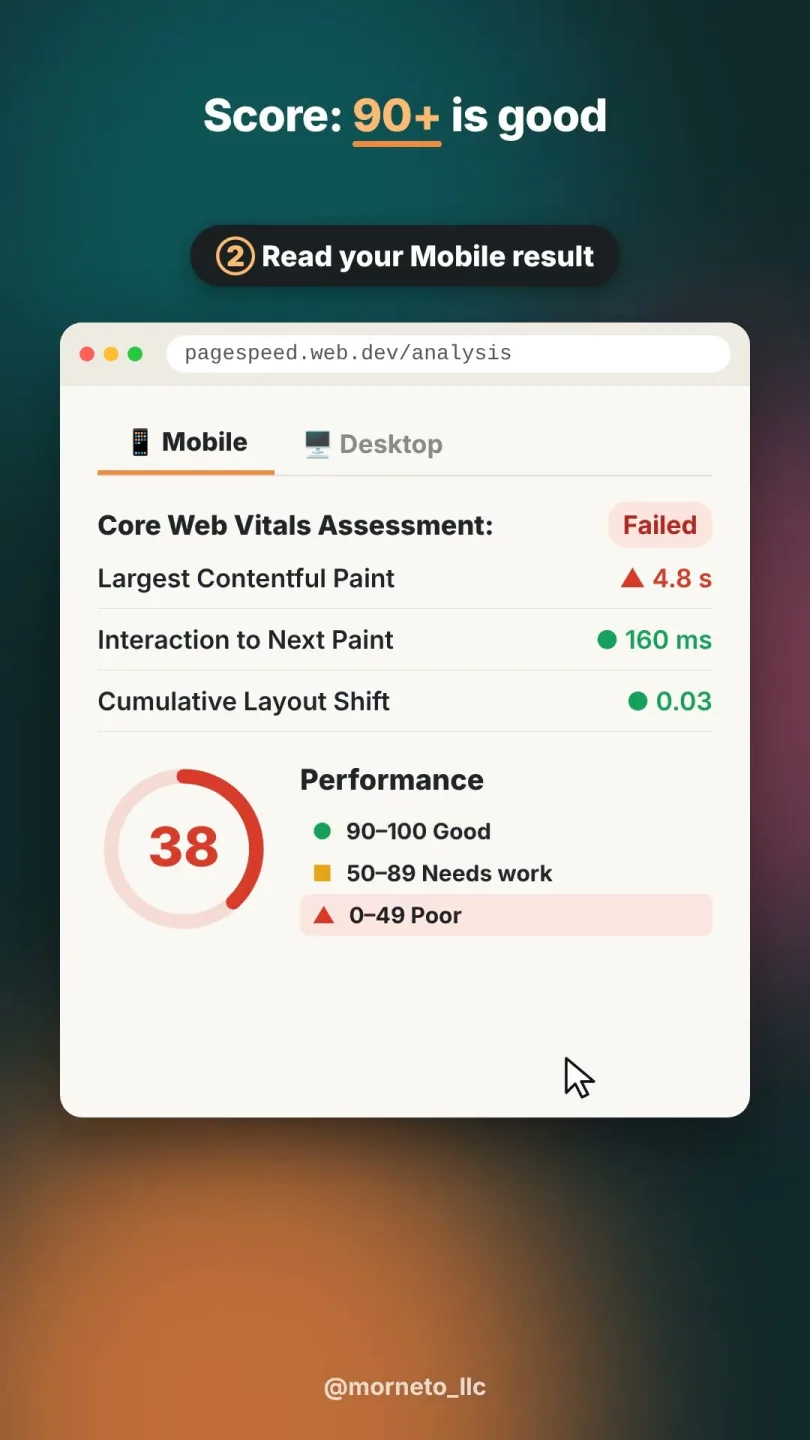
Is your site too slow on a phone?
Test it free with PageSpeed Insights. After that, you know what to fix first.
- Short - 0:42
Website
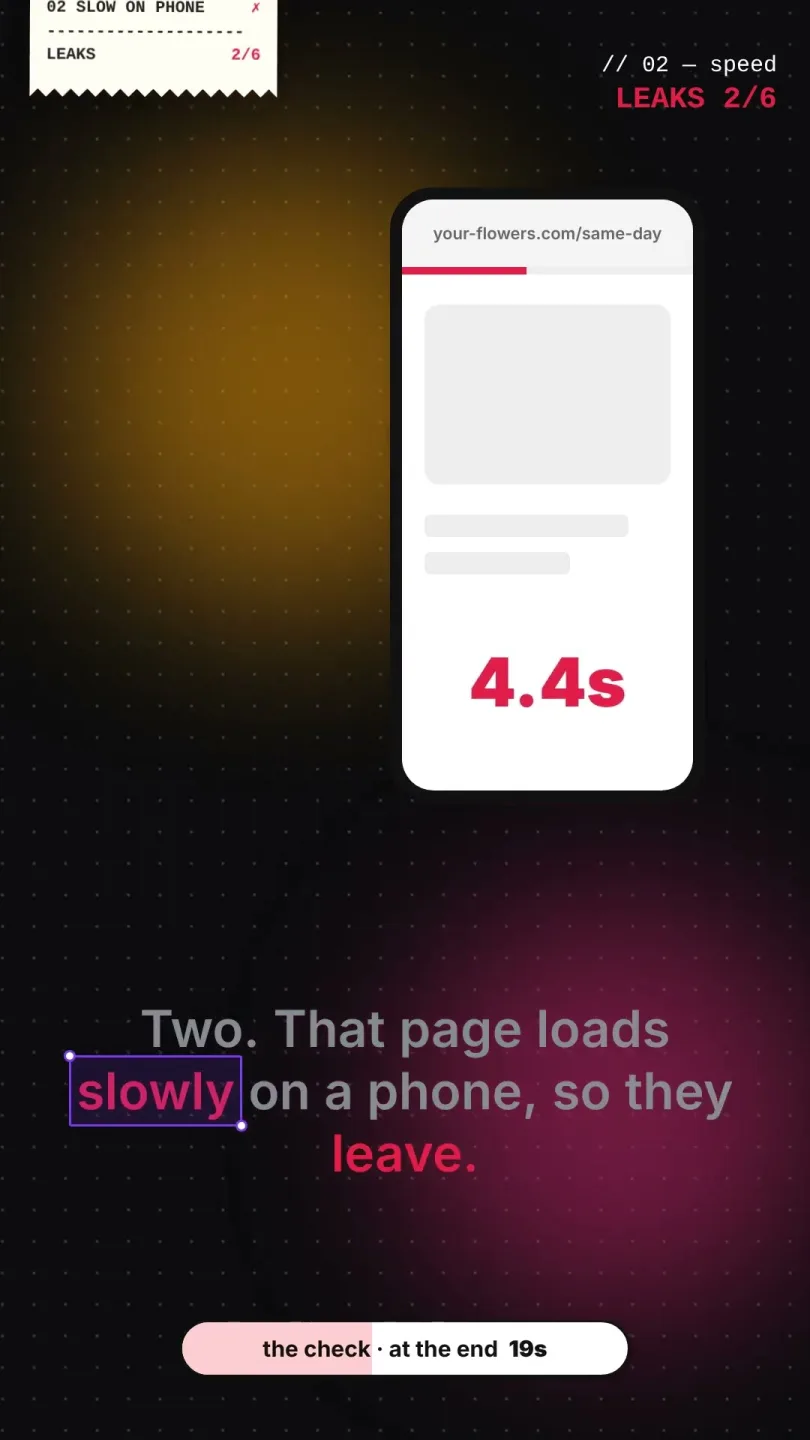
Your site feels fast on a laptop. However, check it the way customers see it on a phone.
- Short - 0:30
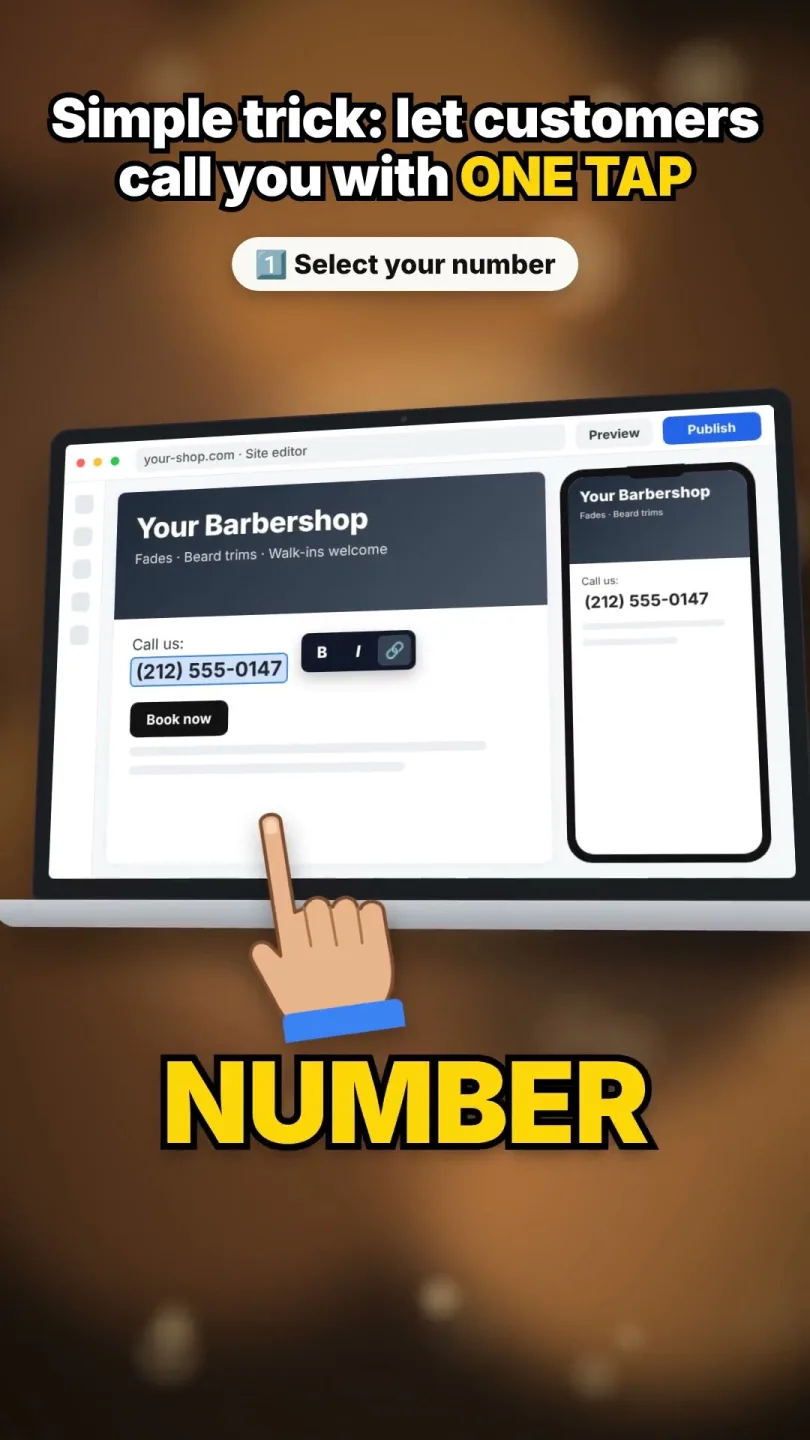
- Short - 0:28
Website
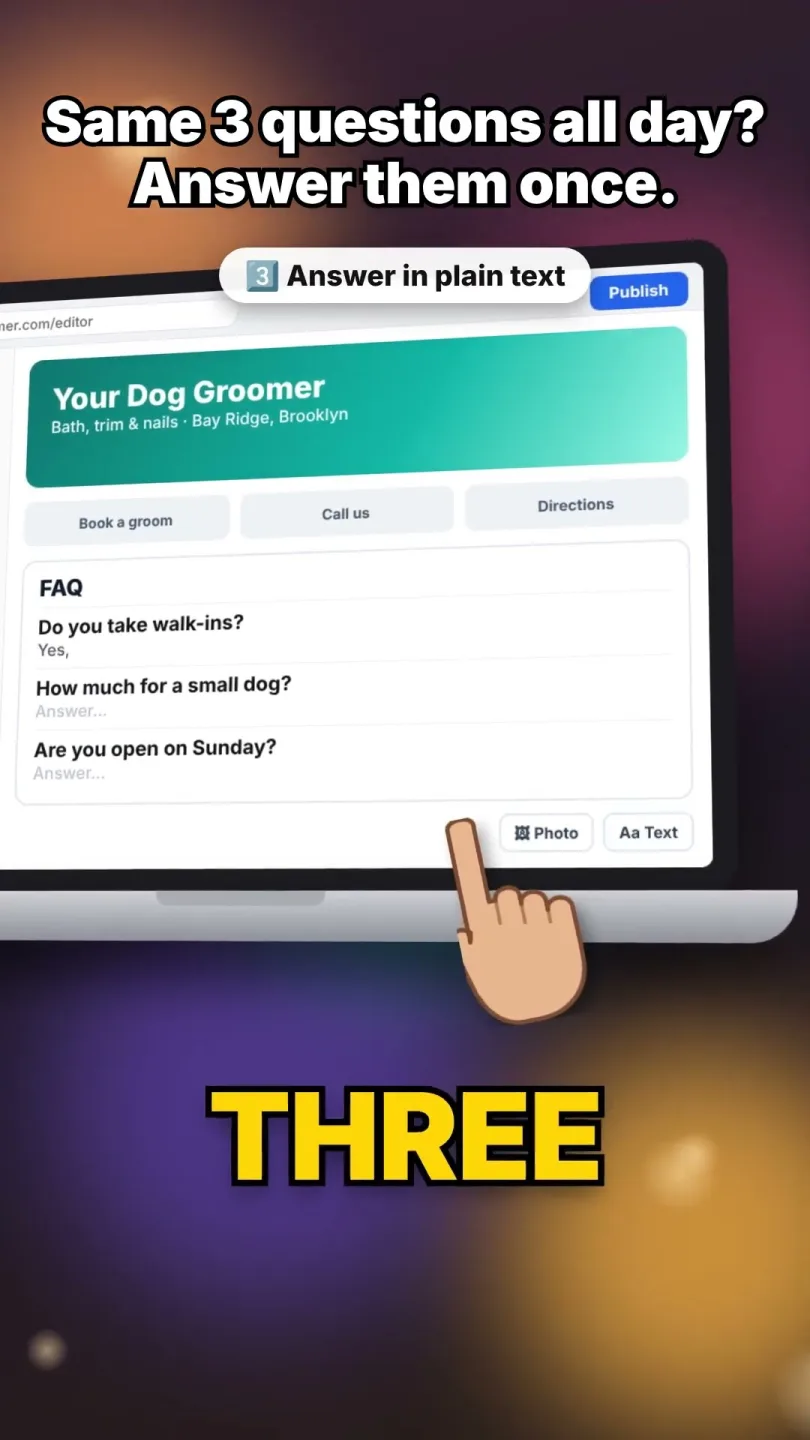
Answer the same three questions once, so you stop repeating them all day.
- Short - 0:41
Website
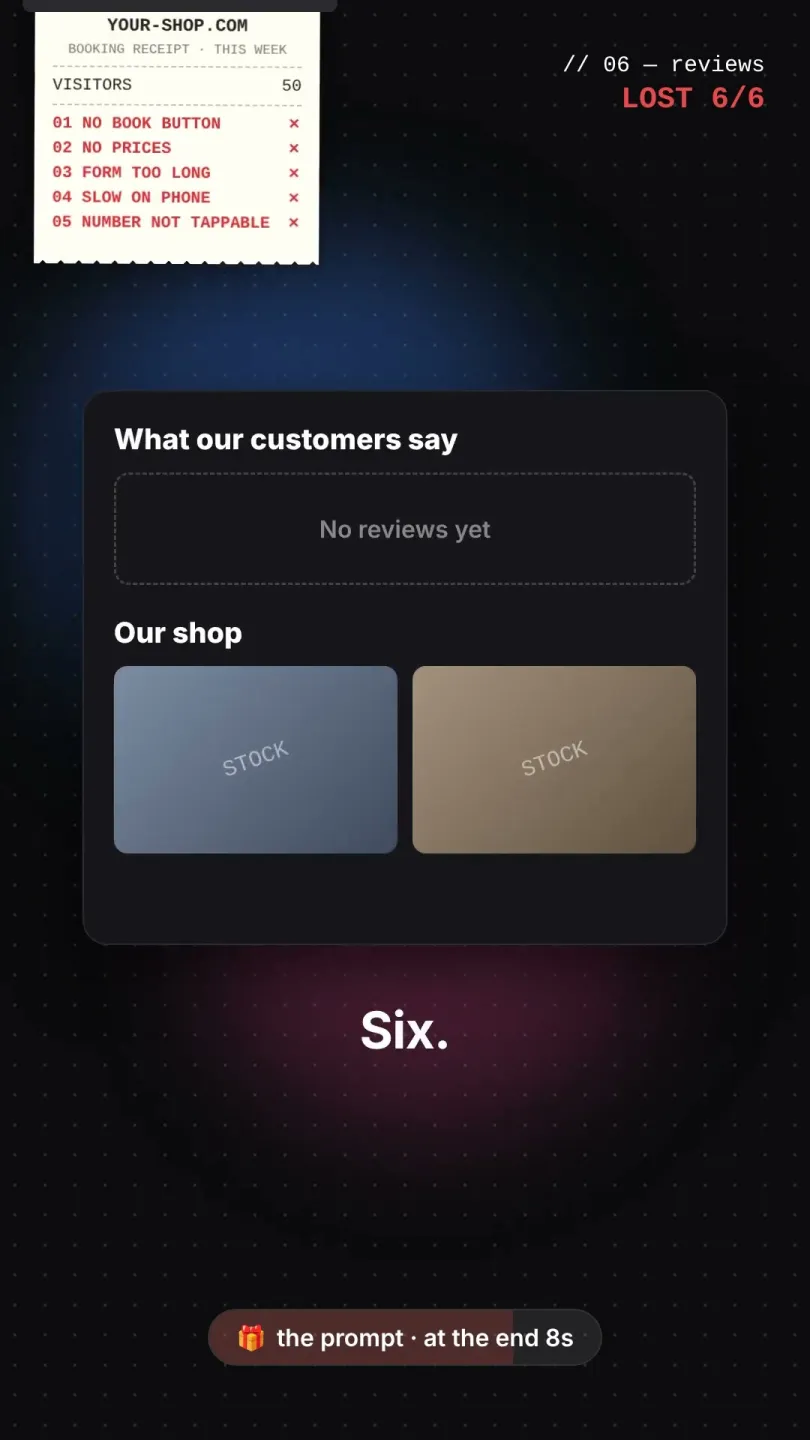
Visitors but no bookings? Six reasons
No Book button, no prices, a long form, a slow phone page, or no reviews.
- Short - 0:41
Google Ads
Fix your site before Google Ads
Six website problems that waste ad clicks. Fix them first, then pay for traffic.
Show up in ChatGPT
- Short - 0:40
AI marketing
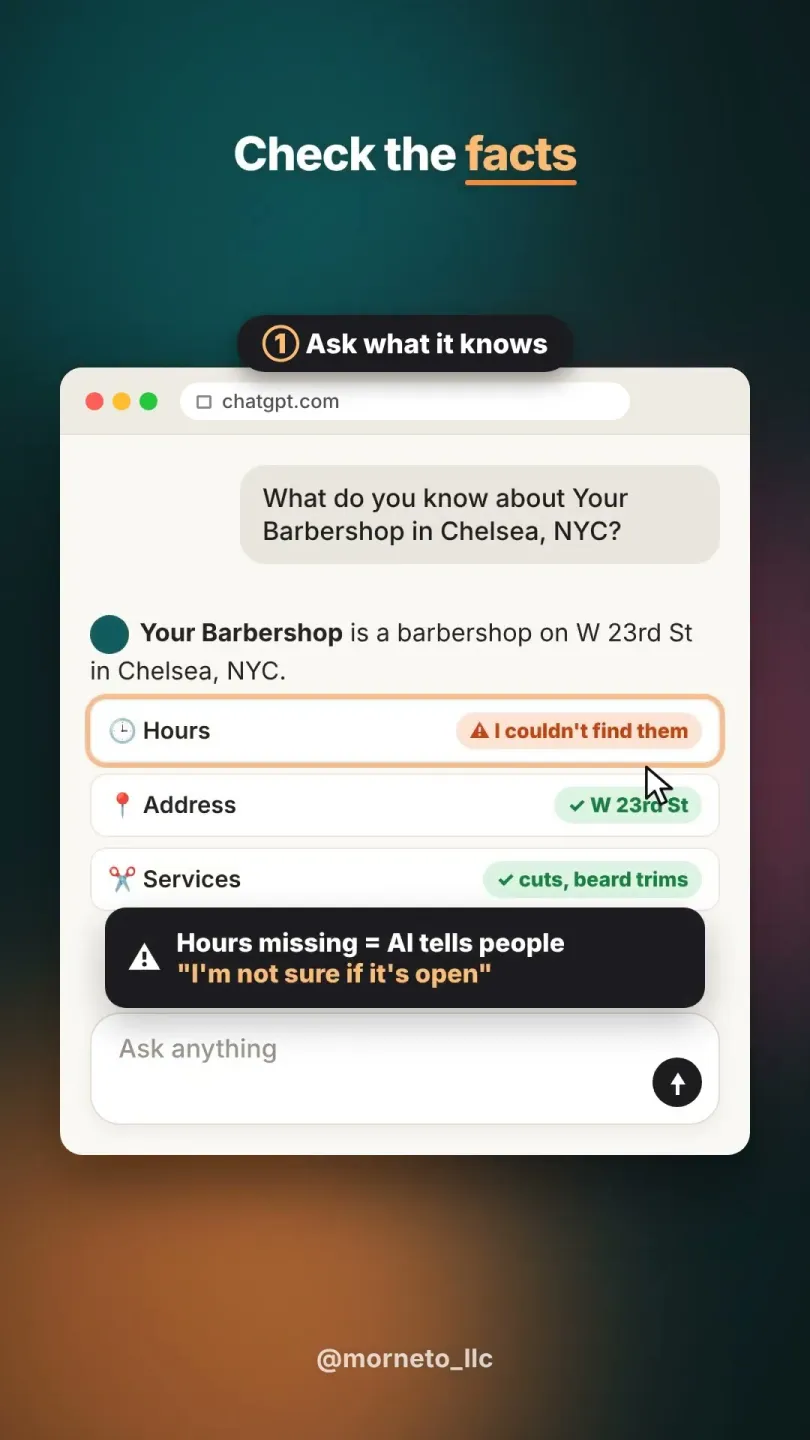
A one-minute test. First ask ChatGPT, then see if it names your business.
- Short - 0:36
AI marketing
Check what ChatGPT says about you
Three free prompts to see what it knows, whether it lists you, and which sites it used.
- Short - 0:44
AI marketing
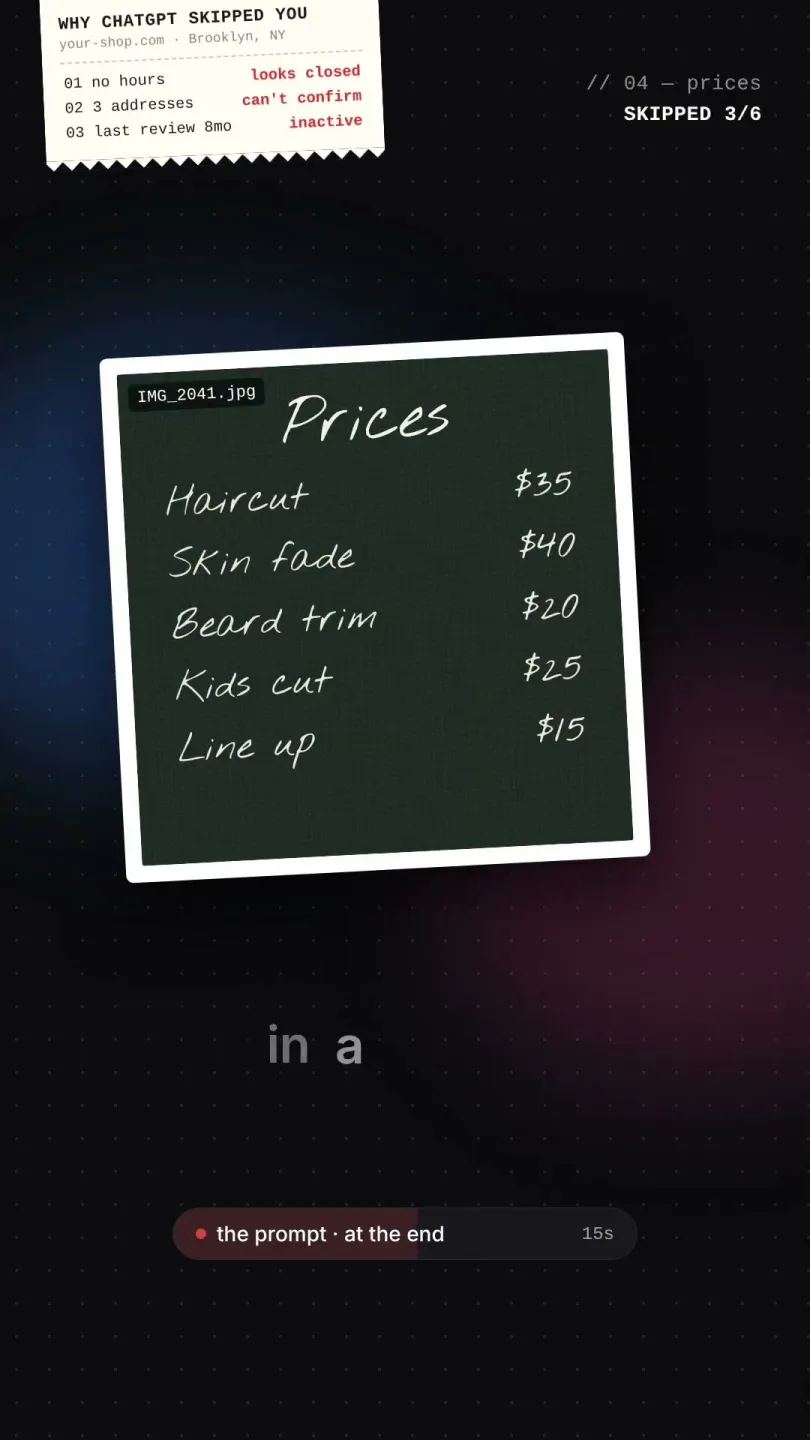
Why ChatGPT skips your business
Six usual reasons, for example missing hours or a name that differs across sites.
- Short - 0:35
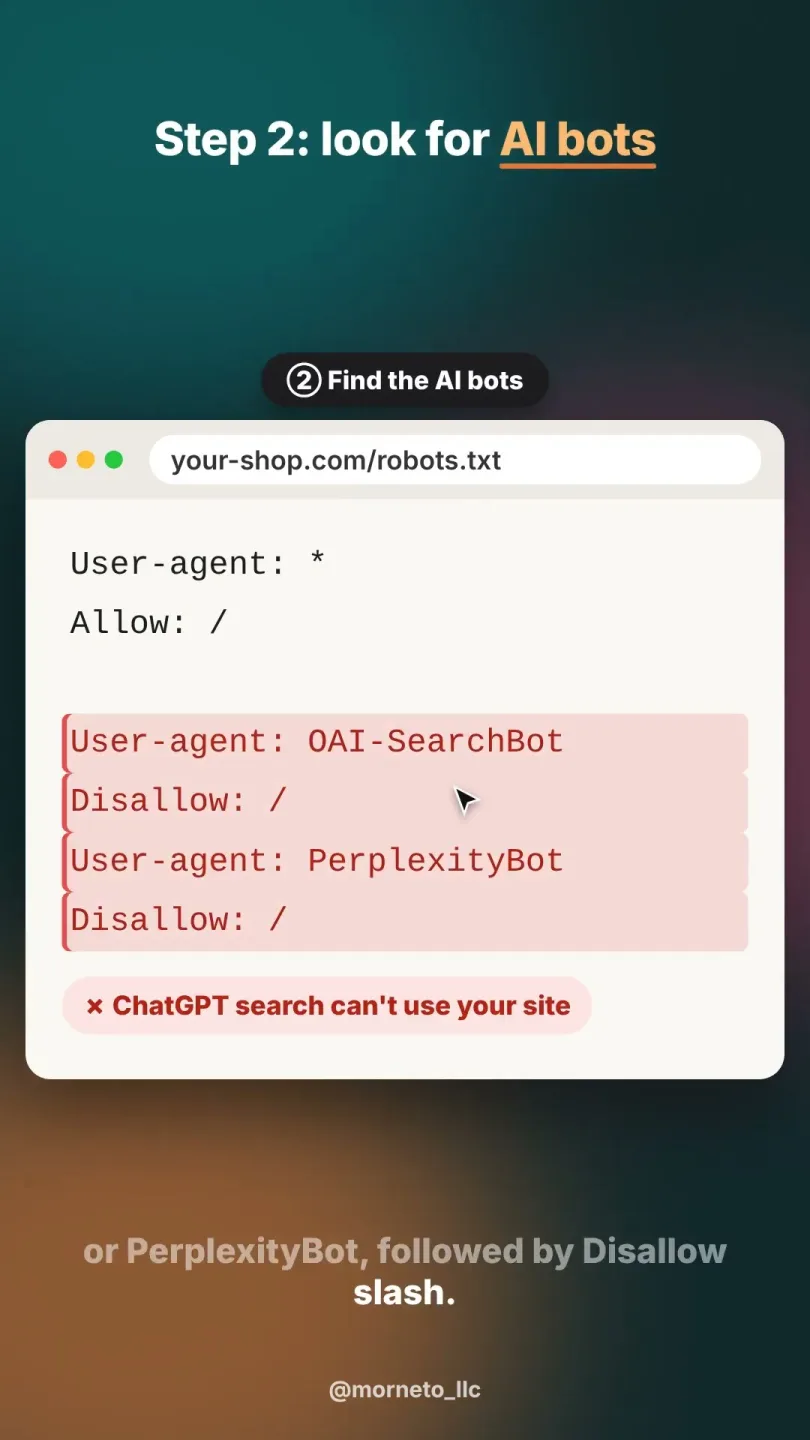
AI marketing
A one-minute robots.txt check, because one old line can quietly say no.