Short answer: the best hosting platform for a website in 2026 depends on what the site must do and who will maintain it. For a New York business that wants to own its site and grow it, managed WordPress hosting on a fast host such as Hostinger is the best value; Bluehost and GoDaddy are the big US names with more upsells; Wix bundles builder and hosting for simplicity at the cost of lock-in. Register the domain yourself, in your own account. Do it yourself for a business-card site; get help if the site has to bring in customers for years.
Last updated 17 August 2026. Prices checked against the providers’ US pages on that date; because hosting prices change often, treat them as ranges.
Every website needs two things before a single page exists: a domain name and a place to live. If you want the wider field beyond the three biggest, our web hosting comparison for 2026 ranks ten platforms by what they are for. Both are cheap, both are easy to get wrong, and, unfortunately, both are almost impossible to fix later without pain. This guide explains what the best hosting platform for a website has to deliver in 2026, compares the three biggest options honestly, shows how to register the domain properly, and is frank about when a New York business should stop doing it alone. Technical terms are explained in our glossary.
What does the best hosting platform for a website have to deliver in 2026?
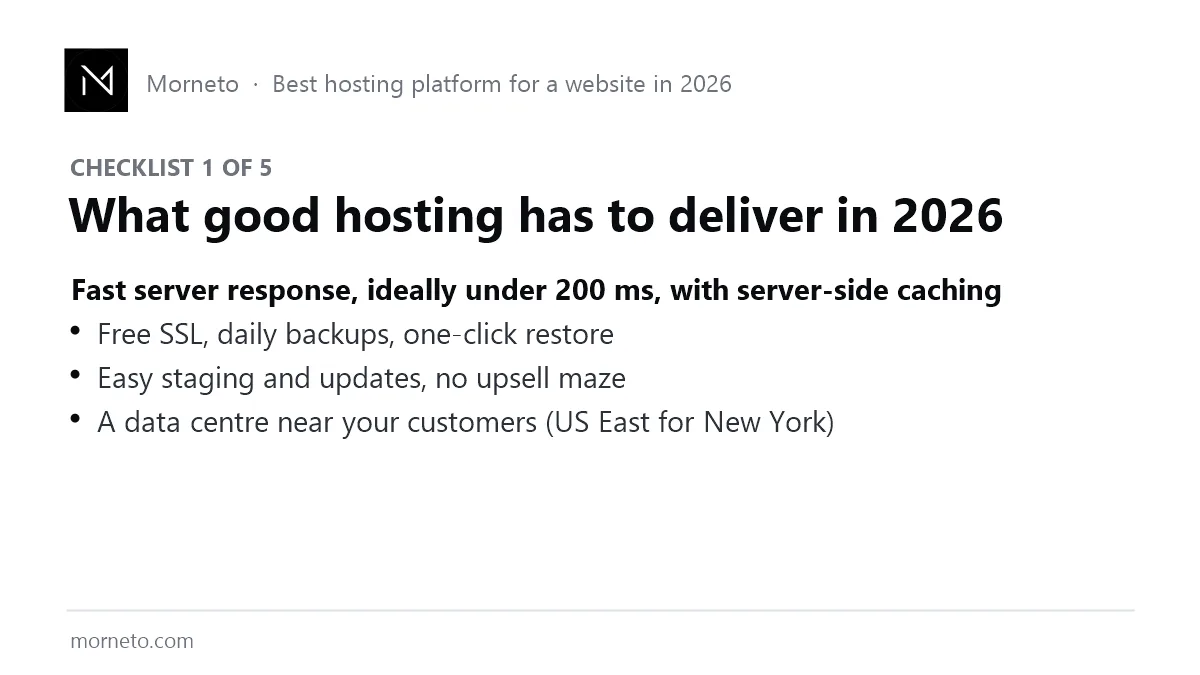
Simply put, hosting is the server your site runs on. In 2026 the bar is higher than “it is online”, because Google’s Core Web Vitals and every AI assistant reward pages that respond fast. Therefore, judge any host on five things.
- Server response. Ideally under 200 milliseconds to first byte, with server-side caching built in (LiteSpeed or equivalent). This is the single biggest hosting lever on speed.
- Location. A data center in the US East region, so New York visitors are not waiting on a round trip to another continent.
- Security and backups. Free SSL, daily backups, one-click restore, automatic updates.
- Staging. A copy of the site to test changes on before they go live.
- Honest pricing. Clear renewal prices, no forced add-ons, and a support desk that answers.
Google explains why the speed part matters in its Core Web Vitals documentation; in plain terms, slow hosting quietly caps how well every page can rank.
Best hosting platform for a website in 2026: the comparison table
| Host | Best for | Price (intro → typical renewal) | Servers & speed | SSL, backups, staging | Portability | Watch out for |
|---|---|---|---|---|---|---|
| Hostinger (managed WordPress) | Businesses that want to own and grow the site | About $3–$12/mo intro → roughly $8–$25/mo on renewal | US East data center available; LiteSpeed server with built-in caching | Free SSL, daily or weekly backups by plan, staging on higher plans | Full: export and move any time | Intro price is for multi-year prepay; check the renewal line before you buy |
| Bluehost (shared / managed WordPress) | Owners who want a familiar US brand and one-click WordPress | About $3–$10/mo intro → roughly $12–$25/mo on renewal | US data centers; standard shared servers, caching via plugin | Free SSL; backups and staging depend on plan or add-ons | Full: WordPress can move | Upsells at checkout; shared plans slow down under load |
| GoDaddy (shared / managed WordPress) | Owners who already keep domain and email there | About $6–$15/mo intro → roughly $12–$30/mo on renewal | US data centers; performance varies by plan | Free SSL on most plans; backups on managed plans | Full: WordPress can move | Renewal jumps and add-on pushing; read the cart carefully |
| Wix (builder + hosting) | A simple site you run yourself with nothing to configure | About $16–$36/mo, flat | Hosting included; you do not choose the server | SSL, backups and security included | None: you cannot export the site to another host | Lock-in; limited speed and search tuning |
| Others (WordPress.com, Squarespace, Shopify) | Managed simplicity, photography-led sites, or online shops | About $4–$40/mo depending on tier | Included, not configurable | Included | Limited to partial | Choose only if the job clearly matches the tool |
In short, read the table by row, not by price. After all, the cheapest intro price is rarely the cheapest three-year price, and a builder that cannot be moved is only cheap until the day you want to leave.
The three biggest hosting options, honestly compared
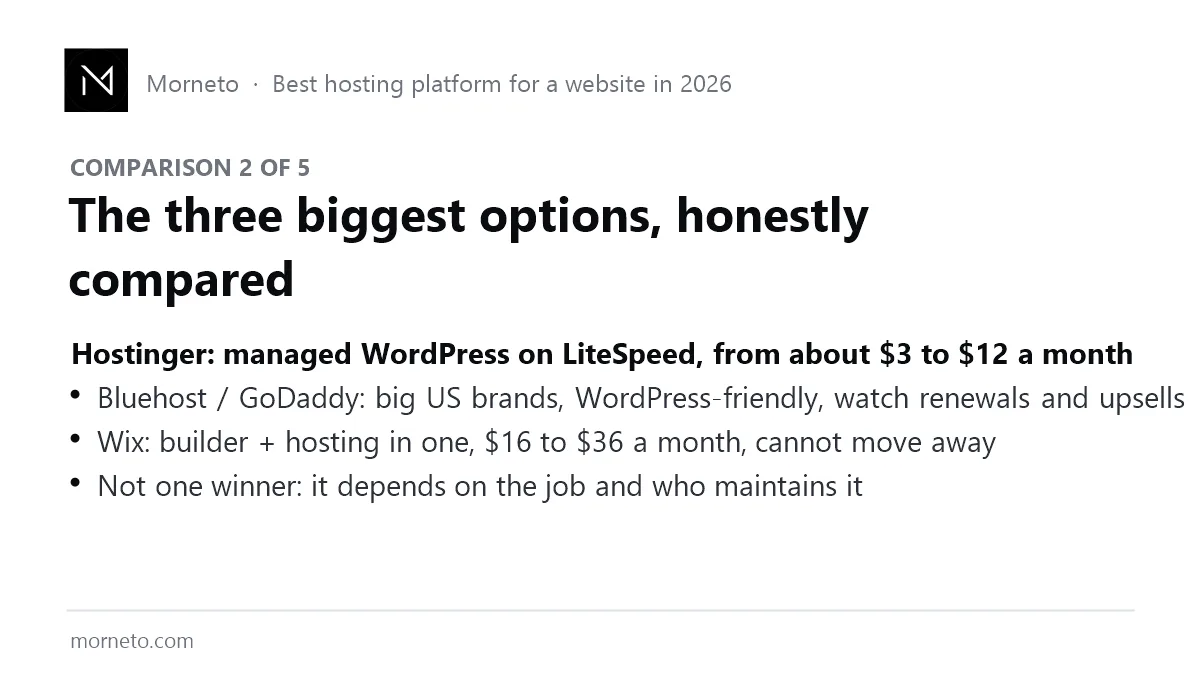
Dozens of hosts exist; in practice, however, most New York small businesses end up choosing between three kinds. Here is the honest picture, including the one we use ourselves.
- Hostinger (managed WordPress on LiteSpeed). Roughly $3 to $12 a month, with US East servers, built-in caching, free SSL and backups. It is what Morneto builds on, paired with Cloudflare, and it is why our client sites score in the high nineties on mobile. Best value for a business that wants to own and grow its site. Watch the renewal price after the intro period, as with every host.
- Bluehost and GoDaddy (the big US brands). Familiar names, WordPress-friendly one-click installs, US support. The trade-offs are higher renewal prices, a maze of upsells at checkout, and shared plans that get slow when neighbors are busy. Fine if you already have an account there; not the fastest choice for the money.
- Wix (builder and hosting in one). $16 to $36 a month, nothing to configure, hosting and security included. The cost is lock-in: you cannot move the site elsewhere, and deep search and speed tuning are limited. Right for a simple site you will run yourself; wrong for a site that must compete for local rankings.
Two honourable mentions: WordPress.com for a managed, simpler WordPress with fewer options, and Shopify if the job is selling products. Our comparison of the best website builders for entrepreneurs covers the builder side in more depth.
Hostinger: pros, cons and who should skip it
Pros: LiteSpeed speed for the money, US East servers, and clean managed WordPress tools. Cons: best prices need multi-year prepay; support is chat-first. Skip it if: you want a phone number to call at 2 a.m., or if you need enterprise compliance paperwork.
Bluehost and GoDaddy: pros, cons and who should skip them
Pros: familiar US brands, easy WordPress installs, domain and email under one roof. Cons: renewal prices, add-on pushing, and shared plans that slow down when neighbors are busy. Skip them if: speed on mobile is a priority, especially when you compare on the three-year price rather than the first bill.
Wix: pros, cons and who should skip it
Pros: nothing to configure, hosting and security included, live in a weekend. Cons: you cannot move the site, and search and speed tuning are limited. Skip it if: the site has to compete for local rankings, or if you expect to hire a developer later.
The best hosting platform for a website in practice: what we measured on our own setup
Admittedly, one data point is not a benchmark. Still, it is more than most hosting guides give you. Morneto runs on Hostinger’s managed WordPress hosting behind Cloudflare, and on 17 August 2026 we measured this very page: the server answers a cached request in about 10 milliseconds at the origin, visitors see a time to first byte of roughly 100 to 200 milliseconds through Cloudflare, and Google’s PageSpeed Insights scores the page 100 on mobile with a Largest Contentful Paint of 1.5 seconds. Moreover, the same page carries several images and sits next to a video-heavy homepage, so those numbers do not come from a stripped-down test site. Of course, hosting alone does not produce that; caching, image discipline and structure do the rest. However, slow hosting would have made it impossible.
How should a New York business choose the best hosting platform for a website?
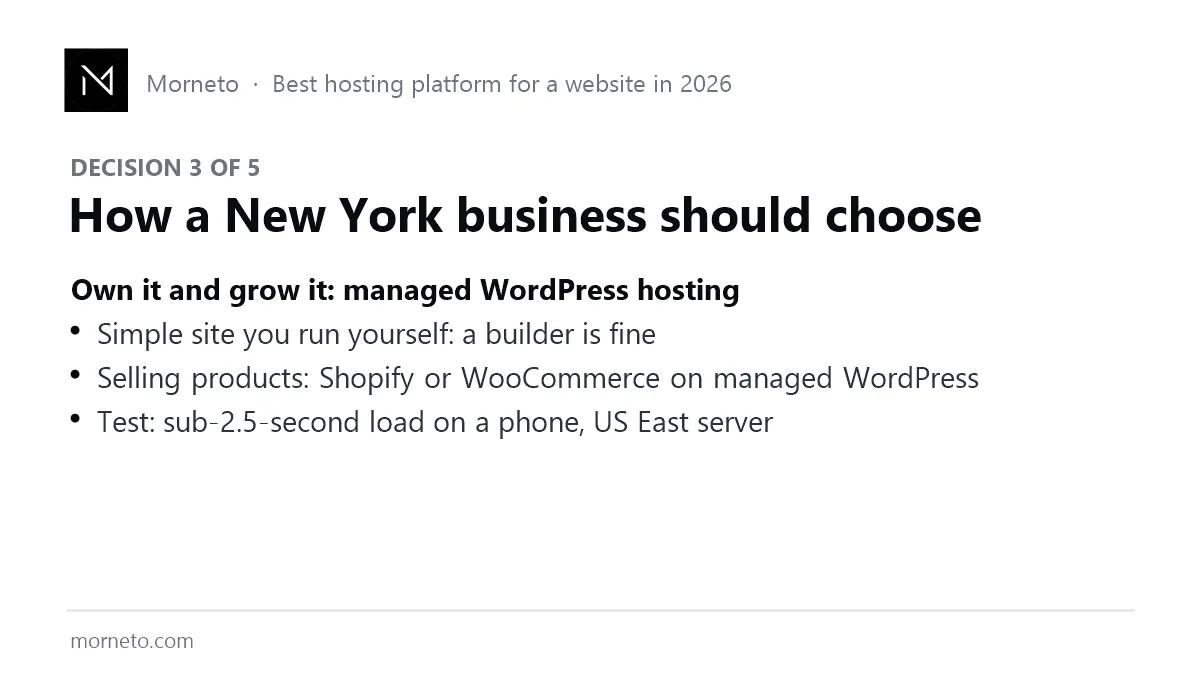
Above all, choose by the job, not by the advert. Want to own the site, move it freely and grow it? Then managed WordPress hosting is the answer, and the platform underneath it is WordPress. For a simple site you run yourself, where you accept that you cannot take it elsewhere, a builder is fine. Sellers of physical products should look at Shopify, or WooCommerce on managed WordPress. Whatever you choose, run one test before you commit: does a page load its main content within about two and a half seconds on a phone, from a US East server? Is your slow website costing you customers explains why that number matters.
How do you register the domain name properly?
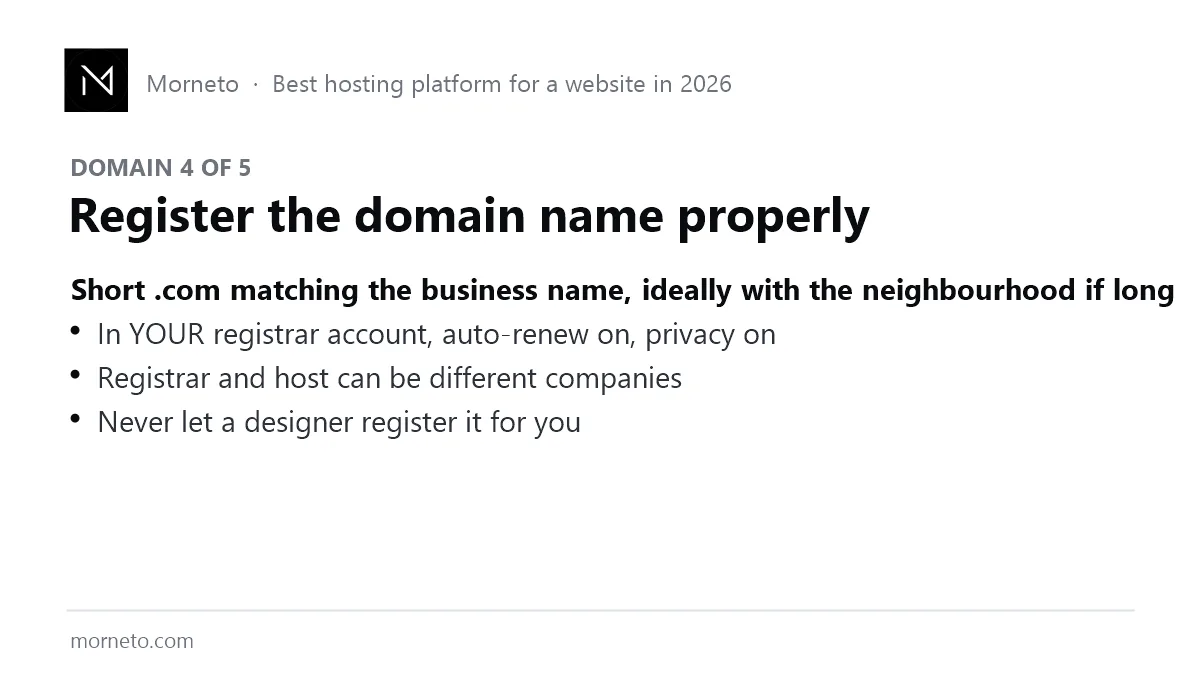
The domain is your address on the internet, and, like your phone number, it should belong to you. Fortunately, the rules are short.
- Short .com that matches the business name. If the name is taken, add the trade or the neighborhood, not a hyphen or a number.
- Your own registrar account. Register it at a registrar such as Namecheap or Cloudflare Registrar, in your name and email, with auto-renew and privacy on. Our guide on where to buy a domain name in 2026 compares ten registrars on exactly those points. Registrar and host can be different companies; that is normal and even safer.
- Never let a designer register it for you. If the relationship ends, the domain must not be a bargaining chip.
- Set up business email on it before launch. Enquiries should land in an inbox on your own domain.
Expect $10 to $20 a year for a .com. That is the cheapest and most permanent asset in the whole project, which is exactly why it should be in your hands. It is Step 3 of how to build a website in New York in 2026.
Can you set up the best hosting platform for a website yourself?
Yes, and for a business-card site you certainly should. Register the domain, buy a managed WordPress plan or a builder subscription, follow the host’s setup wizard, point the domain at it, and you are online in an afternoon. The preparation checklist for getting clients online in New York covers what to have ready before you start. Doing it yourself costs $16 to $50 a month plus your evenings, and even the best hosting platform for a website will not do the structure and search work for you. It is the right answer if the site’s job is credibility for referrals.
When are you better off with help for a multi-year plan?
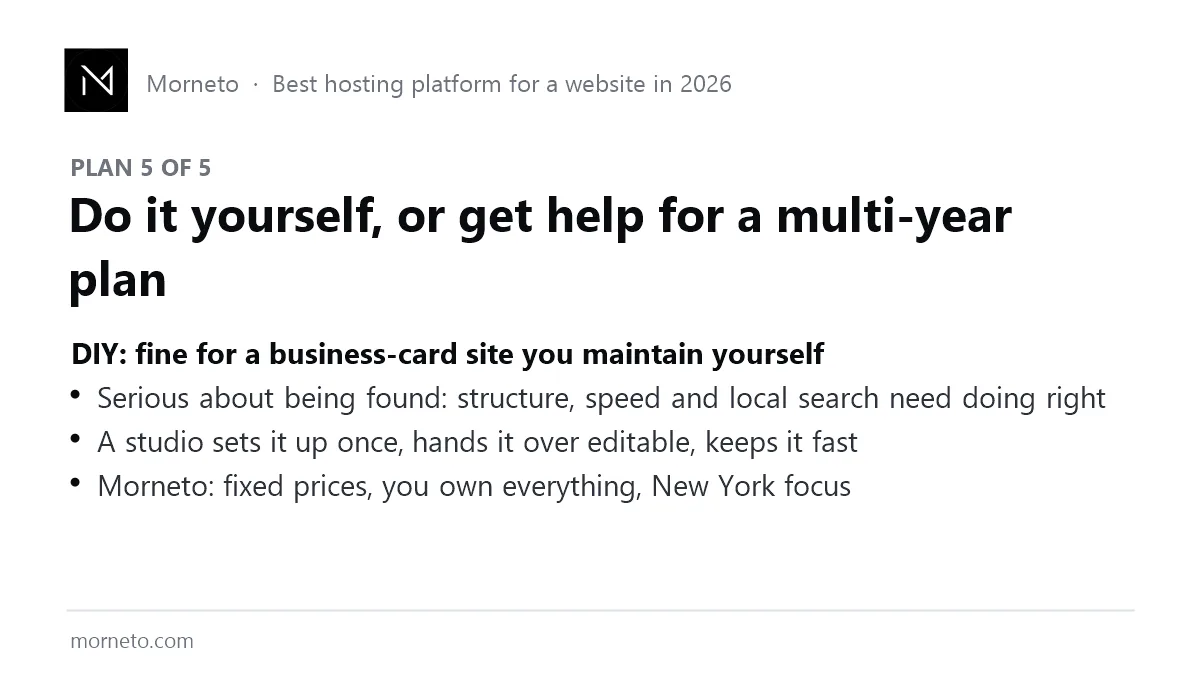
Next, be honest about the second question: is this site supposed to bring in customers for years? If yes, then hosting and domain are the easy ten percent. The hard ninety percent is structure, speed, local signals, content that search engines and AI assistants can quote, and keeping all of it working while you run the business. That is where most do-it-yourself sites stall a year in, and it is where a studio pays for itself.
Morneto sets the site up once, properly, as a web development agency in New York: managed hosting at cost, domain in your name, a fast build you can edit yourself, and local search planned from day one. In addition, prices are published on the pricing page, there is no long contract, and you own everything. If you want the buyer-side view of what to pay, what a fair price for a website is in New York breaks it down tier by tier.
Which mistakes cost New York businesses the most with hosting and domains?
- Buying the cheapest shared plan and wondering why the site is slow. After all, hosting is where slow sites are born.
- Letting someone else own the domain. The most expensive mistake on this list, and the most common.
- Choosing a host on the intro price. Instead, read the renewal price first. Renewal is only part of the running cost, and the full list of website upkeep bills adds the domain, plugin licenses and backups.
- Servers on the wrong continent. For New York customers, pick US East.
- No backups until the day you need one. Check the plan includes them.
Hosting is step two of a faster site, not the whole job. For the full order of work, from images to scripts, read how to make your website faster, which includes our own PageSpeed screenshots.
Common questions
What is the best hosting platform for a website in 2026?
For most New York small businesses, managed WordPress hosting on a fast host such as Hostinger, because you own the site and it stays fast. Wix if you want everything in one place and accept lock-in; Bluehost or GoDaddy if you already have an account with them.
How much does website hosting cost?
Roughly $3 to $12 a month for managed WordPress hosting, $16 to $36 a month for a builder such as Wix, and $10 to $20 a year for a .com domain. Always check the renewal price.
Should the domain and the hosting be with the same company?
They do not need to be, and keeping them separate is slightly safer. What matters is that both accounts are in your name.
Can I move my website to a different host later?
With WordPress, yes, usually within a day. With a closed builder such as Wix or Squarespace, no; you rebuild elsewhere.
Is Hostinger good for a small business website?
For most small businesses, yes: managed WordPress on fast LiteSpeed servers at a low price, with US East data centers. Check the renewal price and choose a plan with backups and staging.
Is free web hosting a good idea for a business?
No. Free plans carry the provider’s branding, a non-custom domain, slow servers and no support, and they hurt trust and rankings. A paid plan costs less per month than one lost enquiry.